
Module 5: Skills You Need
Key points
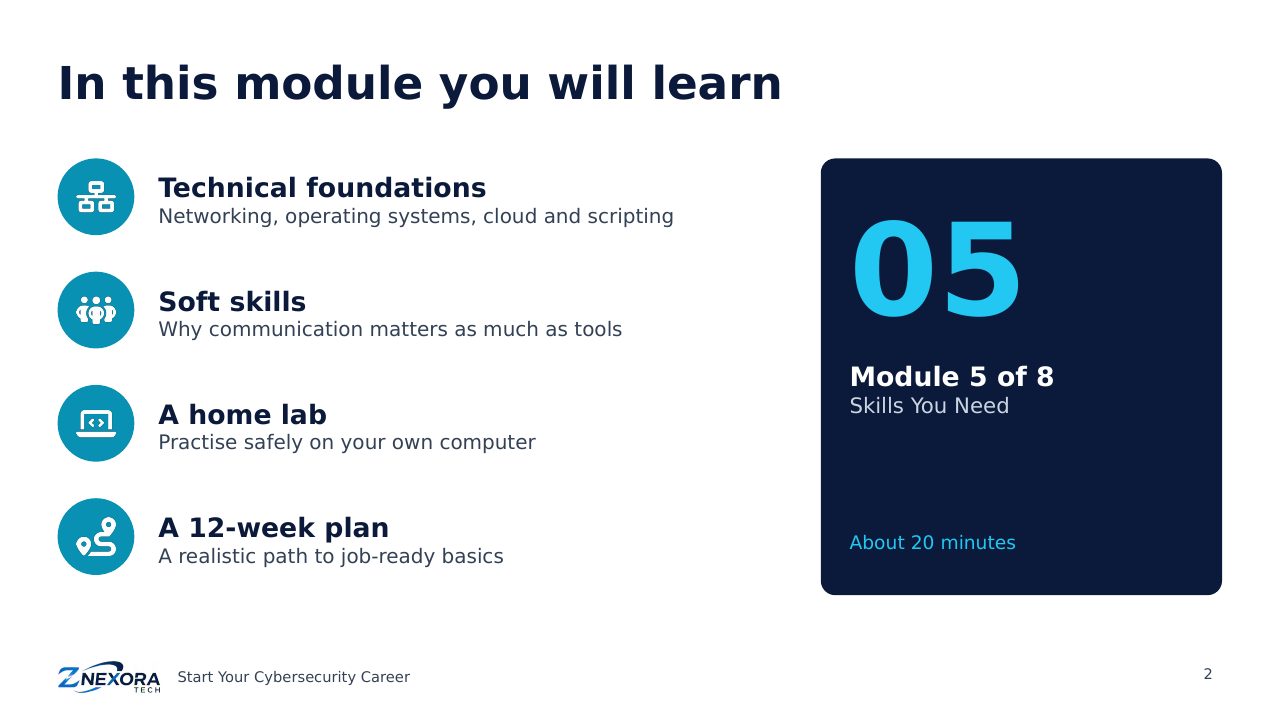
Build the skills employers look for: technical foundations, soft skills, skills by role, a safe home lab, free practice platforms and a 12-week plan.
Free course · Start Your Cybersecurity Career · Module 5 of 8 · About 20 minutes
Employers rarely hire people for knowing one tool. They hire people with solid foundations who can learn quickly and explain what they find. This module covers the technical foundations, the soft skills that matter, how skills differ by role, how to build a home lab, where to practise for free, and a realistic 12-week plan.
Technical foundations
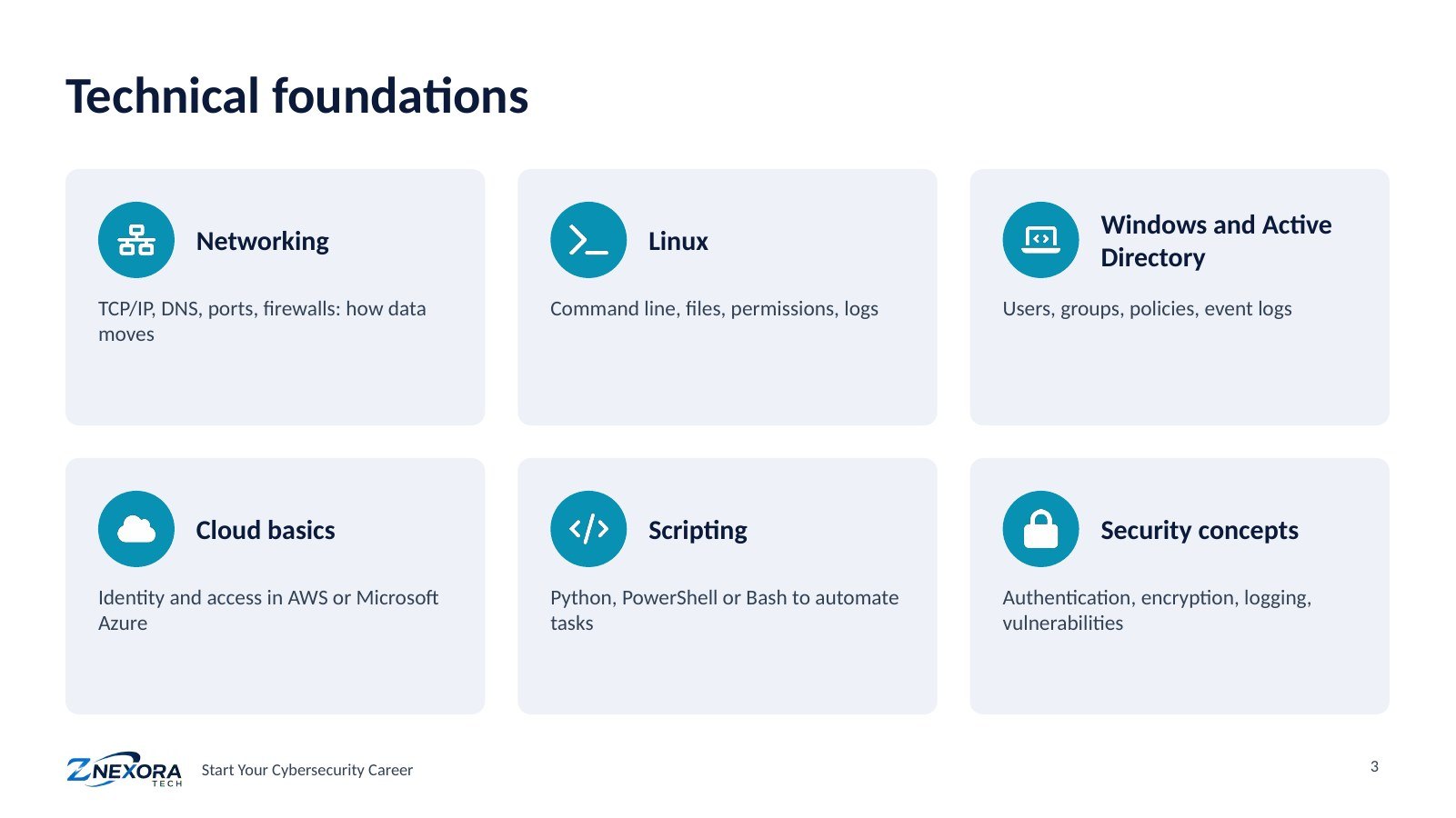
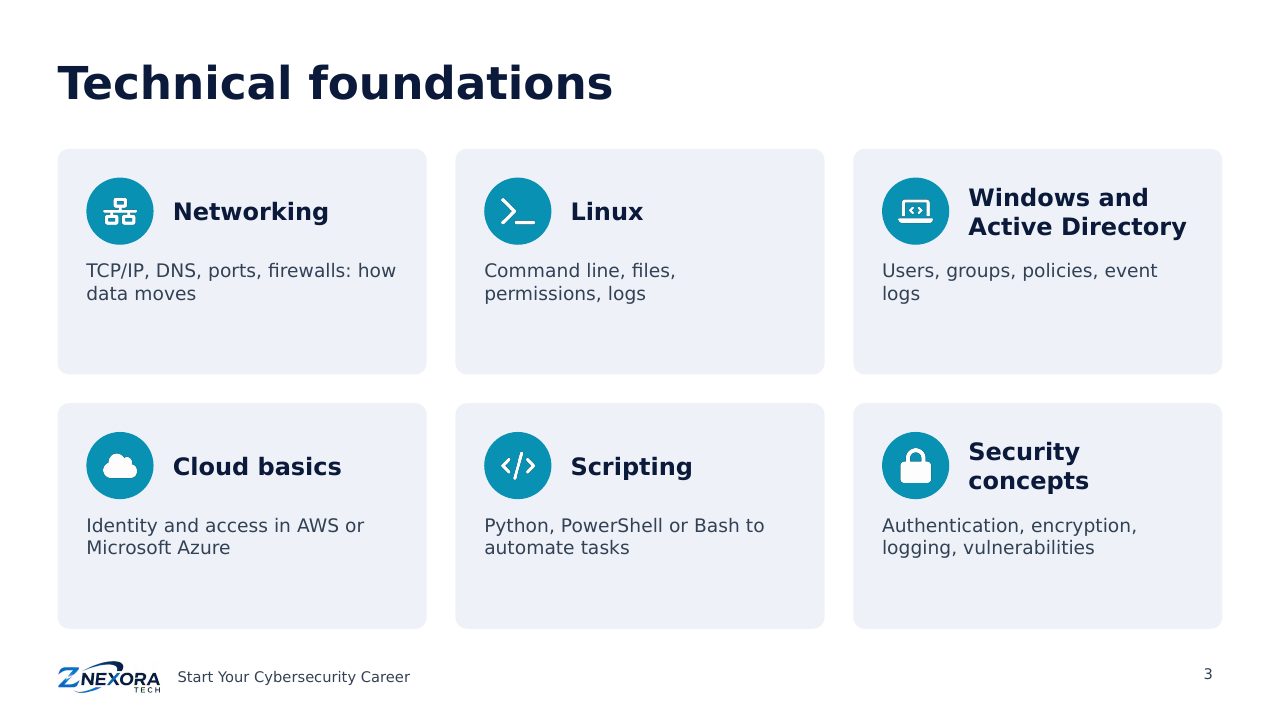
Six areas underpin almost every security job:
- Networking: how data moves, including TCP/IP, DNS, ports and firewalls. Almost every attack and defence involves the network.
- Linux: the command line, files, permissions and logs. Most servers and many security tools run on Linux.
- Windows and Active Directory: users, groups, policies and event logs. Most organisations manage their staff accounts this way, and attackers target it.
- Cloud basics: identity, access and networking in AWS or Microsoft Azure.
- Scripting: Python, PowerShell or Bash, to automate repetitive work.
- Security concepts: authentication, encryption, logging and vulnerabilities, covered in Modules 1 to 3.
Soft skills that get you hired
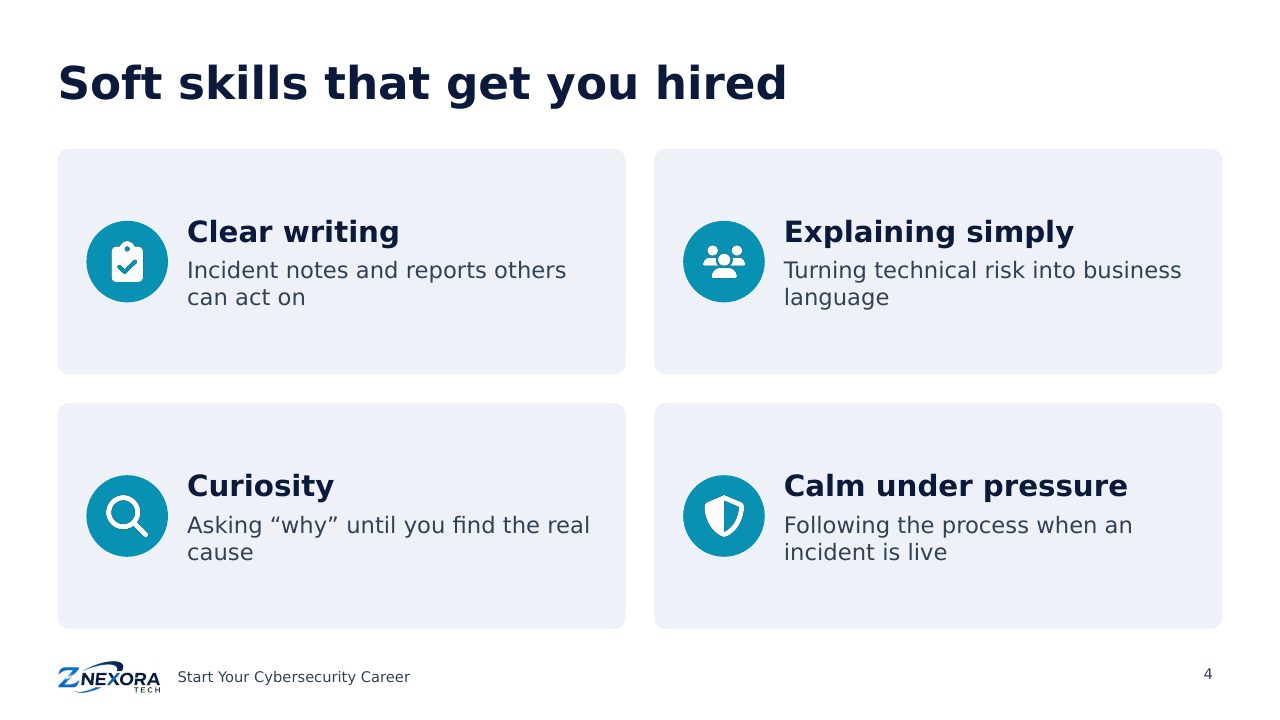
Technical skill gets you an interview; communication often gets you the job. Four skills stand out:
- Clear writing: incident notes and reports that others can act on.
- Explaining simply: turning technical risk into business language for managers.
- Curiosity: asking “why” until you find the real cause.
- Calm under pressure: following the process when an incident is live.
Skills by role
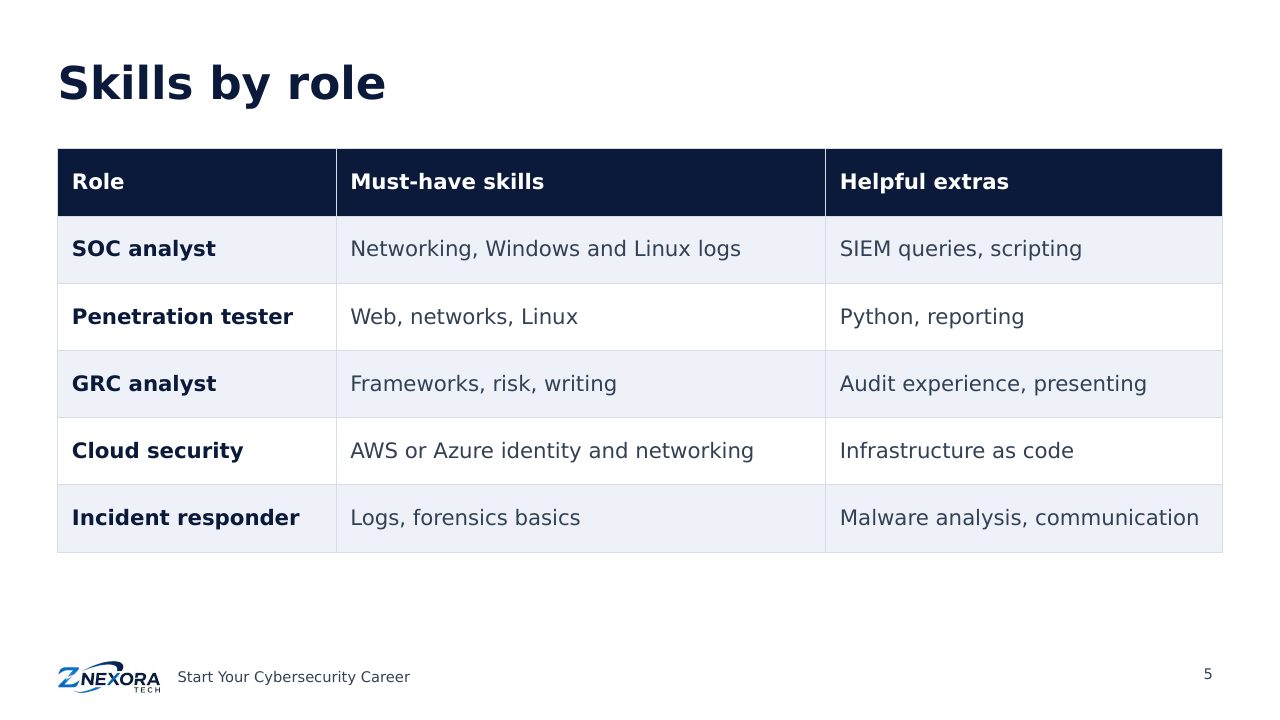
- SOC analyst: networking and Windows and Linux logs; helpful extras are SIEM queries and scripting.
- Penetration tester: web, networks and Linux; helpful extras are Python and strong reporting.
- GRC analyst: frameworks, risk and writing; helpful extras are audit experience and presenting.
- Cloud security: AWS or Azure identity and networking; a helpful extra is infrastructure as code.
- Incident responder: logs and forensics basics; helpful extras are malware analysis and communication.
Build a simple home lab
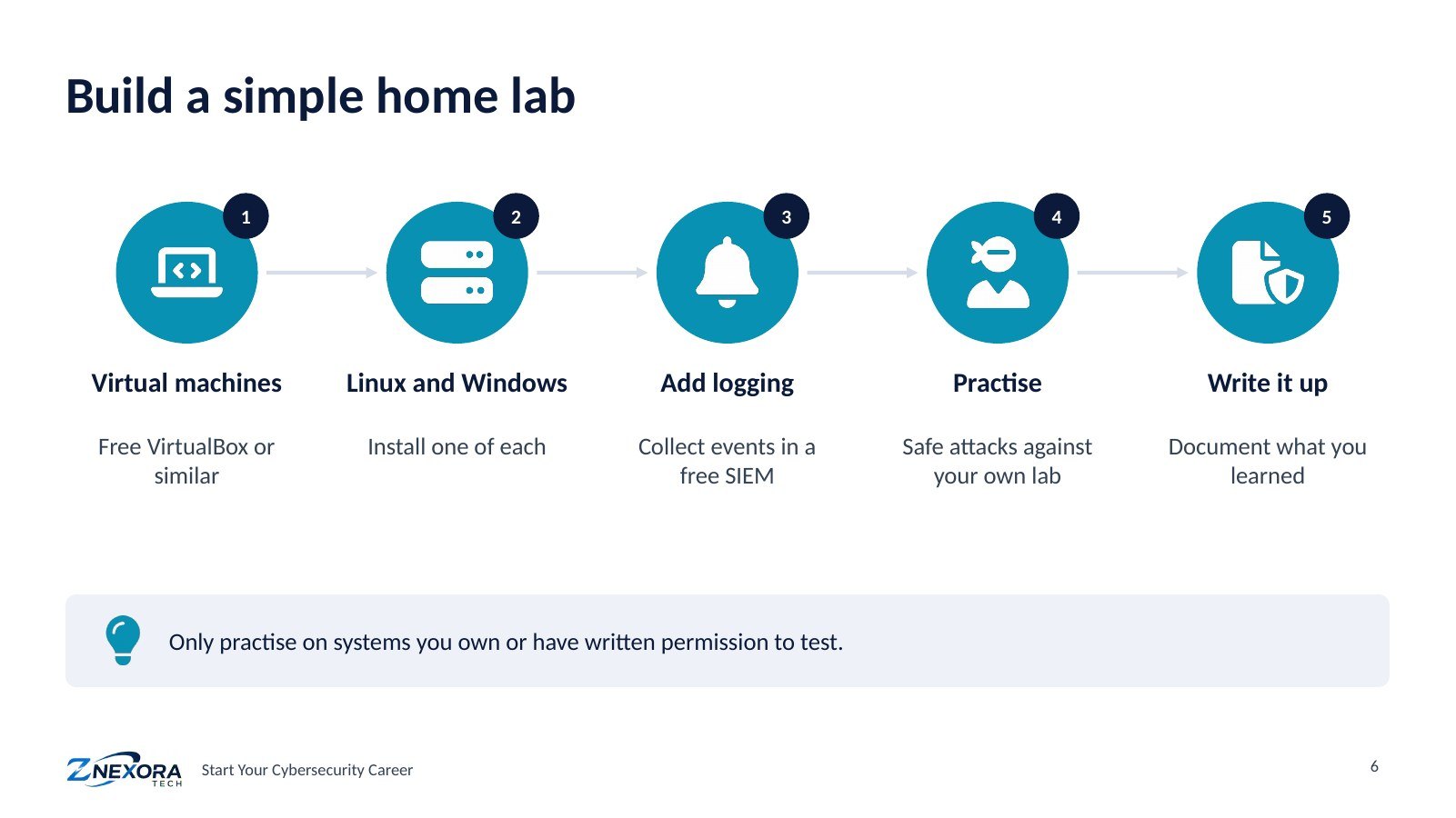
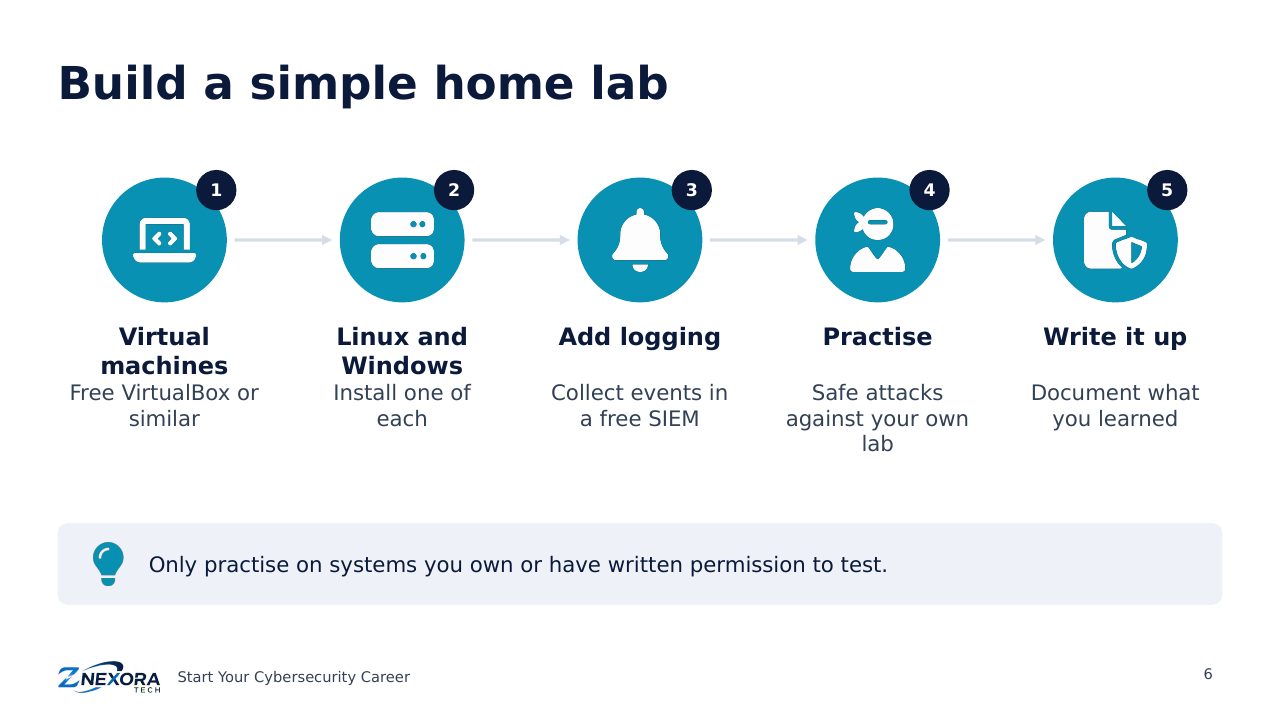
A home lab is a small, safe practice environment on your own computer. You do not need expensive equipment:
- Install free virtualisation software such as VirtualBox.
- Create one Linux and one Windows virtual machine.
- Collect their logs in a free SIEM or log tool.
- Practise attacks against your own lab and watch what the logs show.
- Write up what you did and learned. These write-ups become your portfolio (Module 8).
The golden rule: only practise on systems you own or have written permission to test. Testing other people’s systems without permission is illegal in Japan and most countries.
Practice platforms for beginners
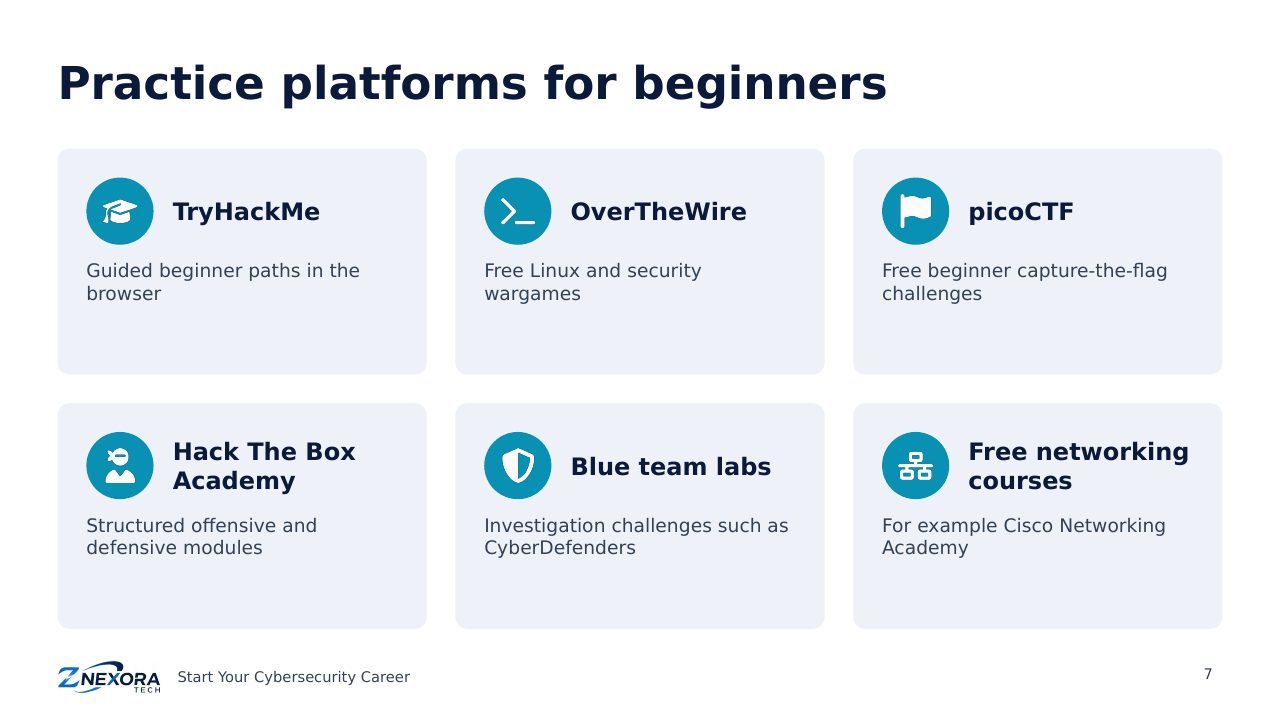
These platforms offer guided, legal practice. Several have free content, with paid plans for more:
- TryHackMe: guided beginner learning paths in the browser.
- OverTheWire: free Linux and security wargames.
- picoCTF: free beginner capture-the-flag challenges.
- Hack The Box Academy: structured offensive and defensive modules.
- Blue team labs such as CyberDefenders: realistic investigation challenges.
- Free networking courses, for example from Cisco Networking Academy.
A 12-week starter plan
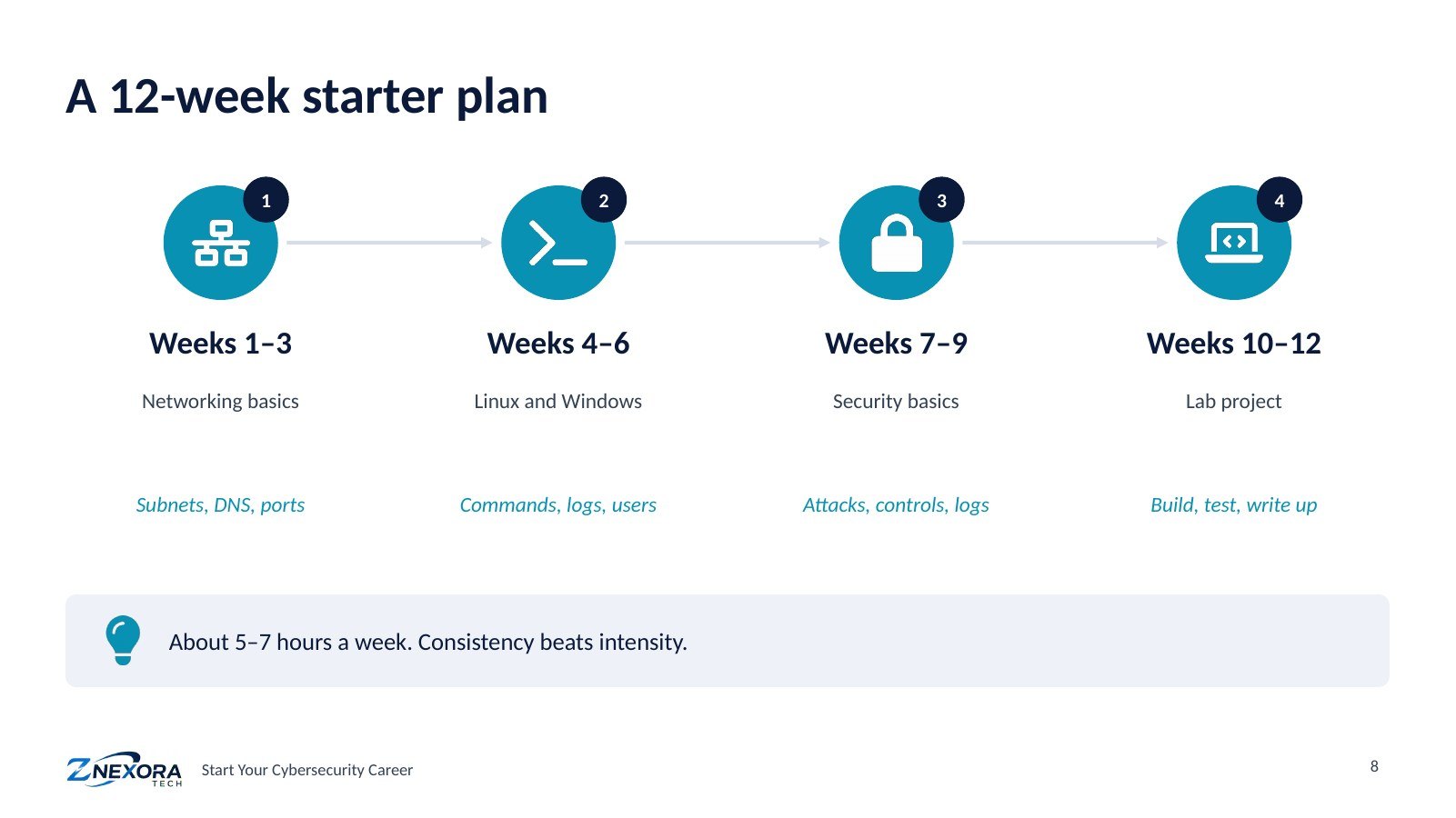
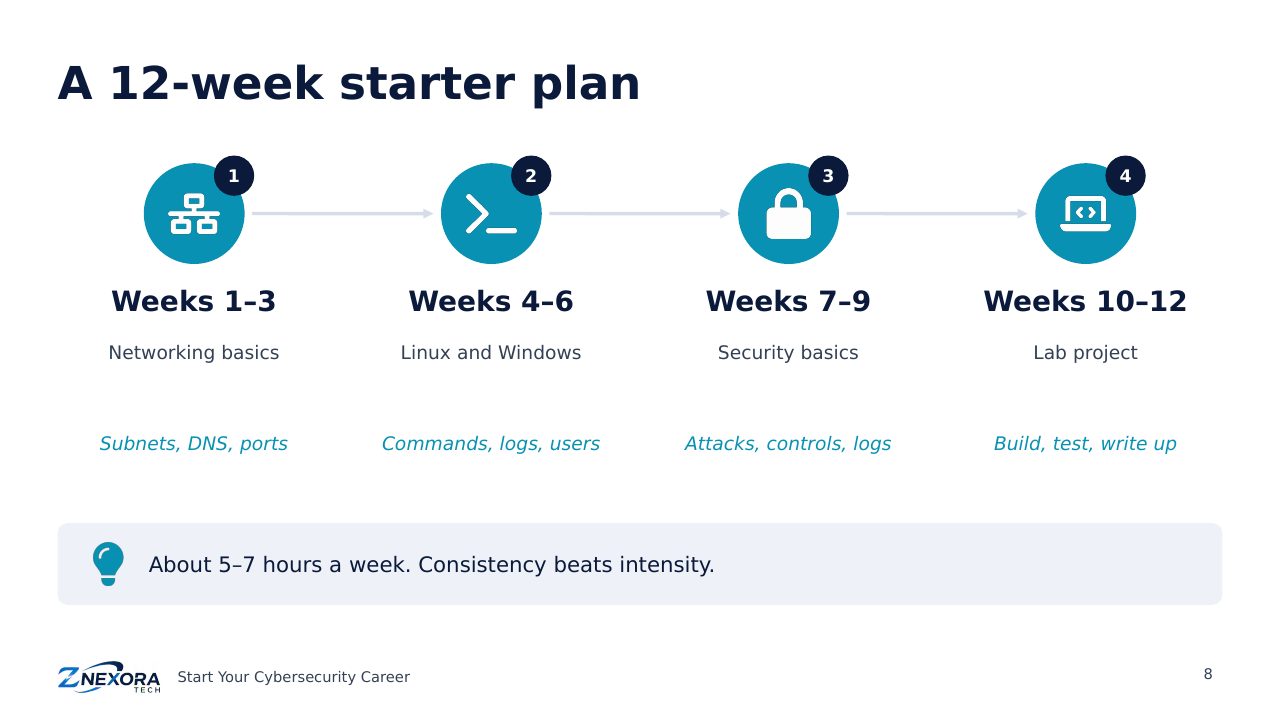
- Weeks 1–3, networking basics: subnets, DNS and ports.
- Weeks 4–6, Linux and Windows: commands, logs and user management.
- Weeks 7–9, security basics: common attacks, controls and reading logs.
- Weeks 10–12, a lab project: build, test and write it up.
Plan for about 5 to 7 hours a week. Steady progress every week beats occasional long sessions.
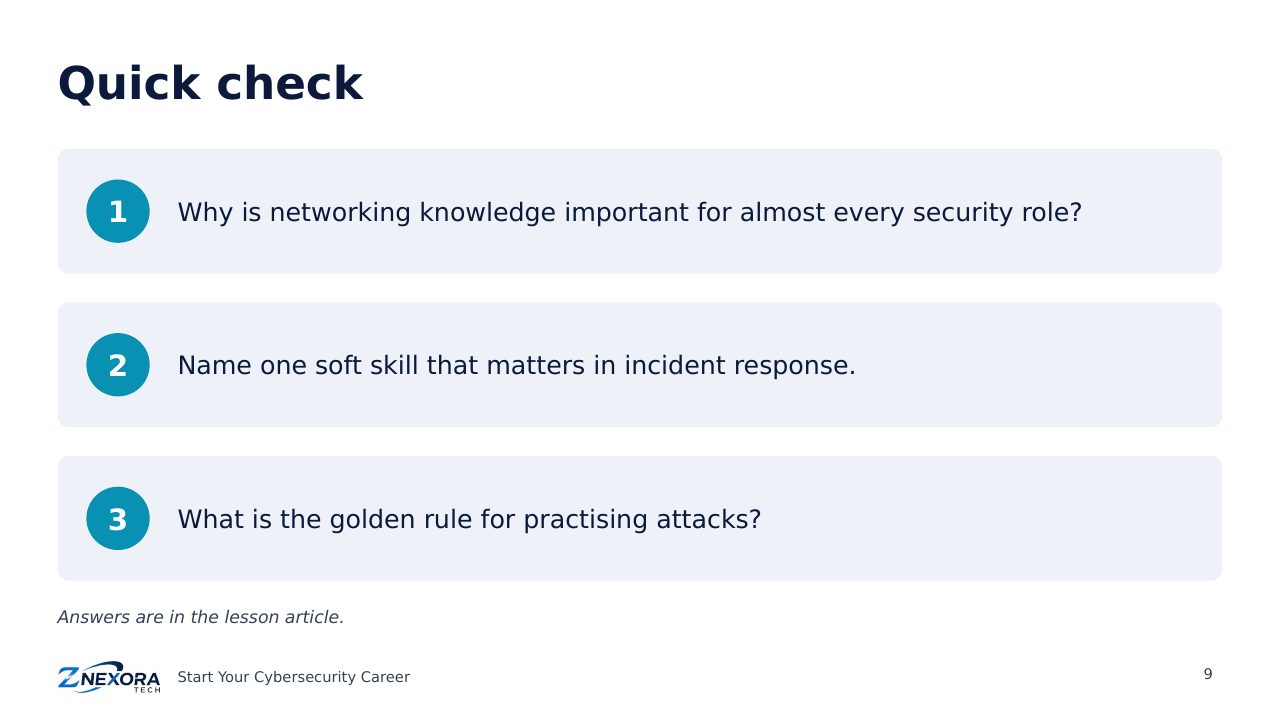
Quick check
- Why is networking knowledge important for almost every security role?
- Name one soft skill that matters in incident response.
- What is the golden rule for practising attacks?
Answers: 1. Because almost every attack and defence involves data moving across a network. 2. For example staying calm under pressure, or clear writing. 3. Only test systems you own or have written permission to test.
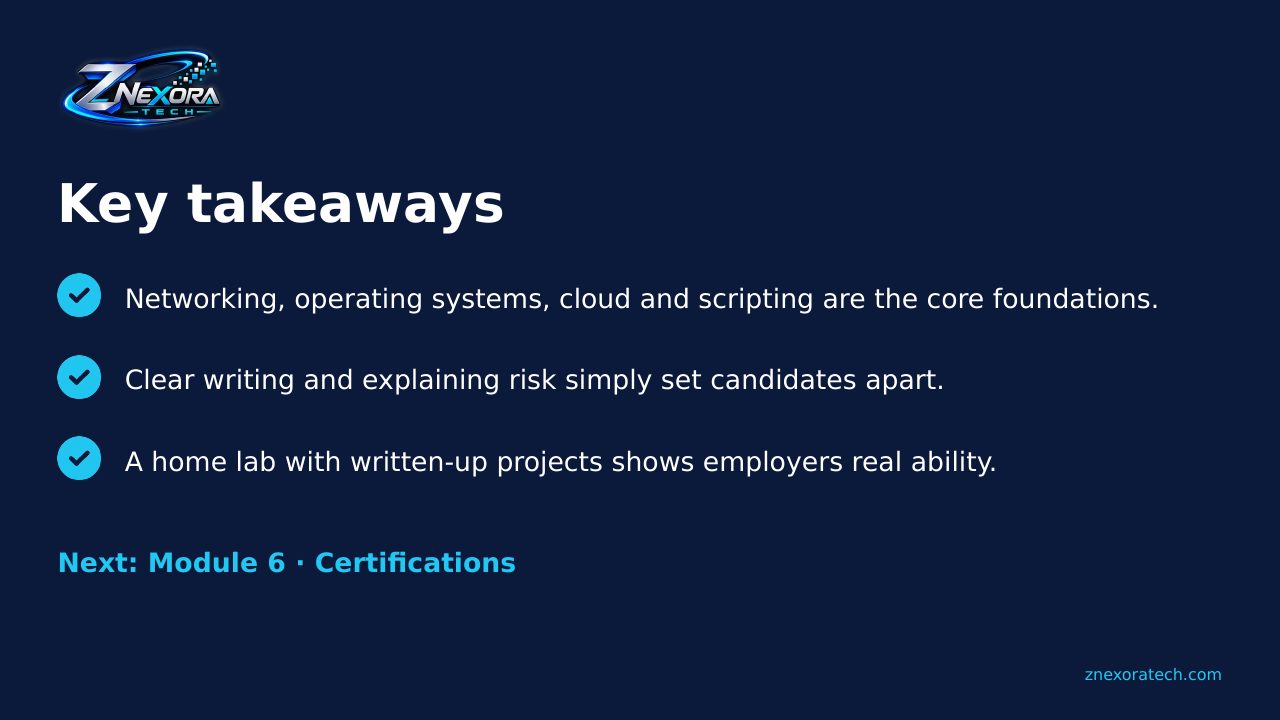
Key takeaways
- Networking, operating systems, cloud and scripting are the core foundations.
- Clear writing and explaining risk simply set candidates apart.
- A home lab with written-up projects shows employers real ability.
Next: Module 6 · Certifications. Which certifications to choose for your path, in what order, and how to avoid wasting money.
Slides
Thank you for reading!
Let’s continue to build a safer and more trustworthy digital future together.
Follow ZNexora Tech
Stay curious. Stay secure. Stay ahead.