

Module 3: How Defenders Protect
Key points
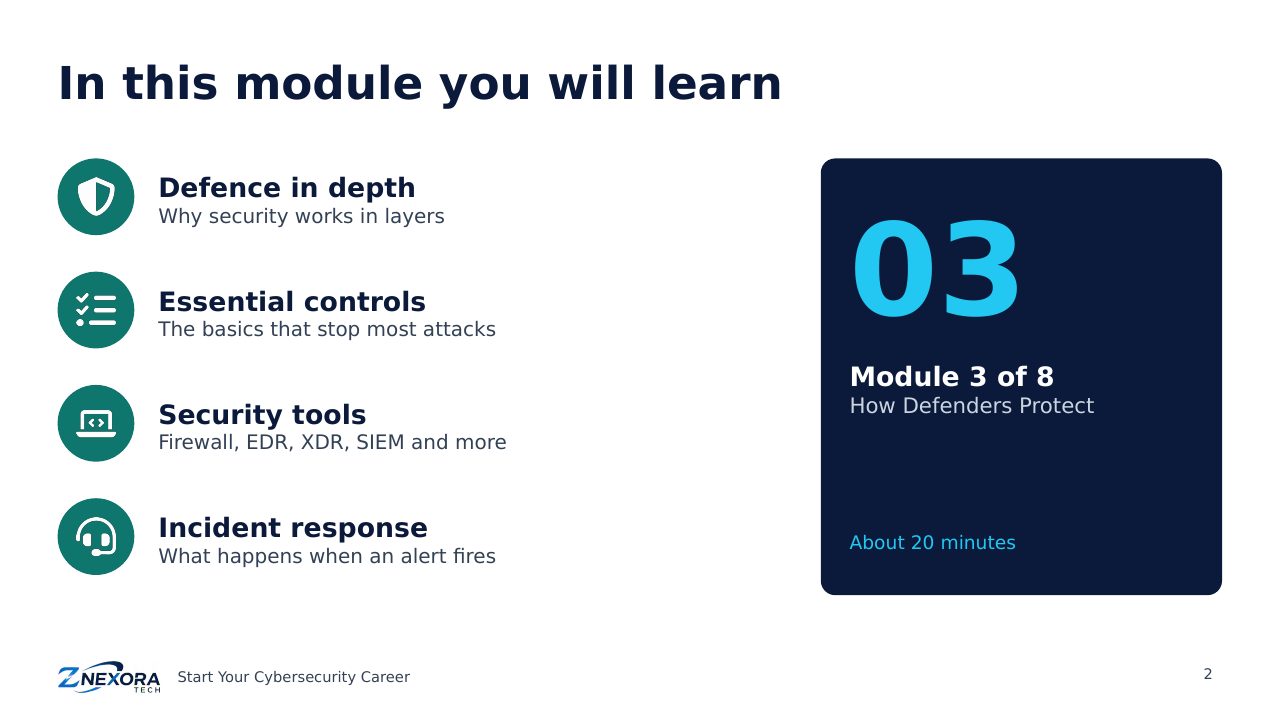
Learn how defenders protect organisations: defence in depth, four essential controls, security tools from firewalls to SIEM, and the incident response cycle.
Free course · Start Your Cybersecurity Career · Module 3 of 8 · About 20 minutes
Attackers only need to succeed once; defenders need to be ready every time. This module shows how security teams protect organisations: with layers of defence, a few essential controls, a set of security tools, and a practised incident response process.
Defence in depth
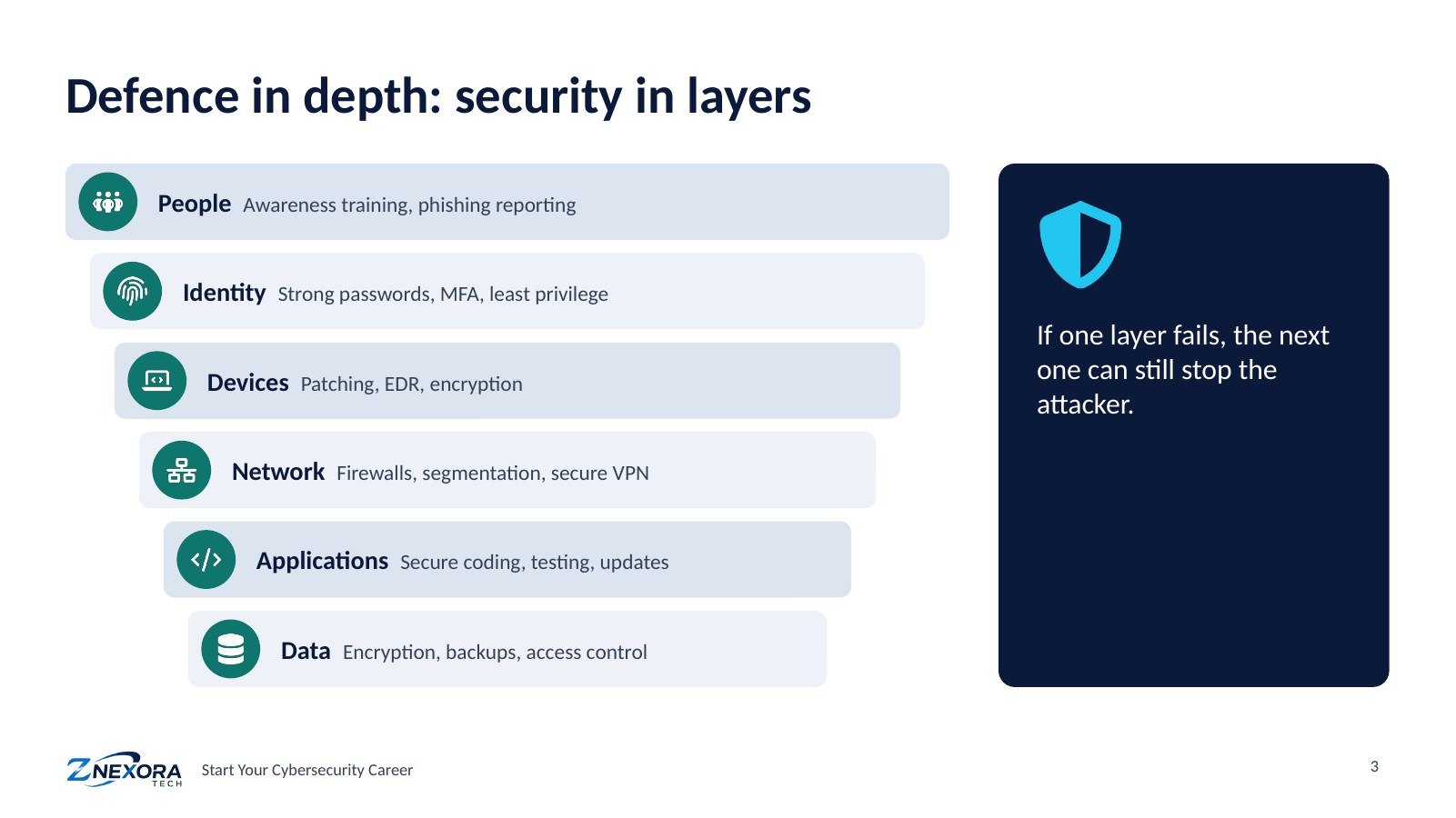
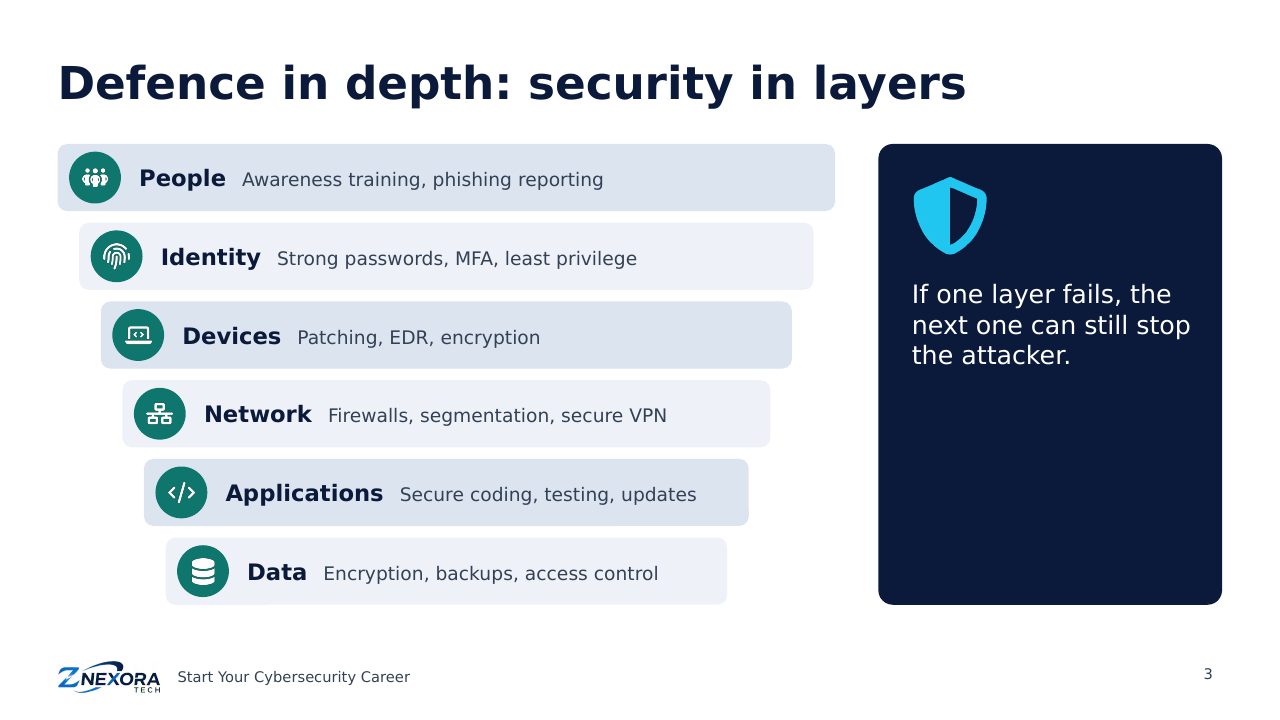
No single security tool is perfect. Defence in depth means building several layers, so that if one fails, the next can still stop the attacker:
- People: awareness training and an easy way to report phishing.
- Identity: strong passwords, multi-factor authentication (MFA) and least privilege.
- Devices: patching, endpoint protection and encryption.
- Network: firewalls, segmentation and secure remote access.
- Applications: secure coding, testing and updates.
- Data: encryption, backups and access control.
Four essentials that stop most attacks
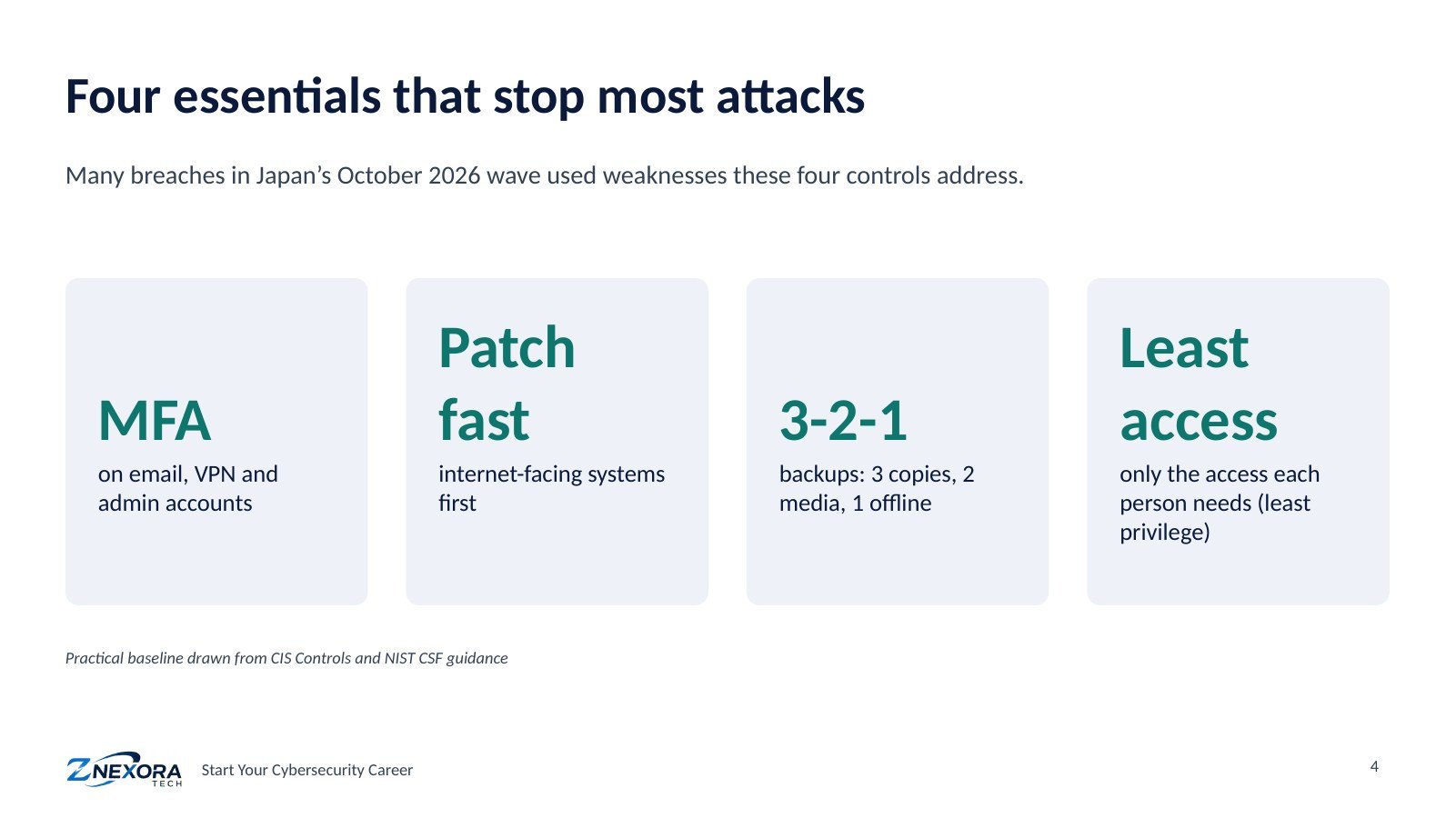
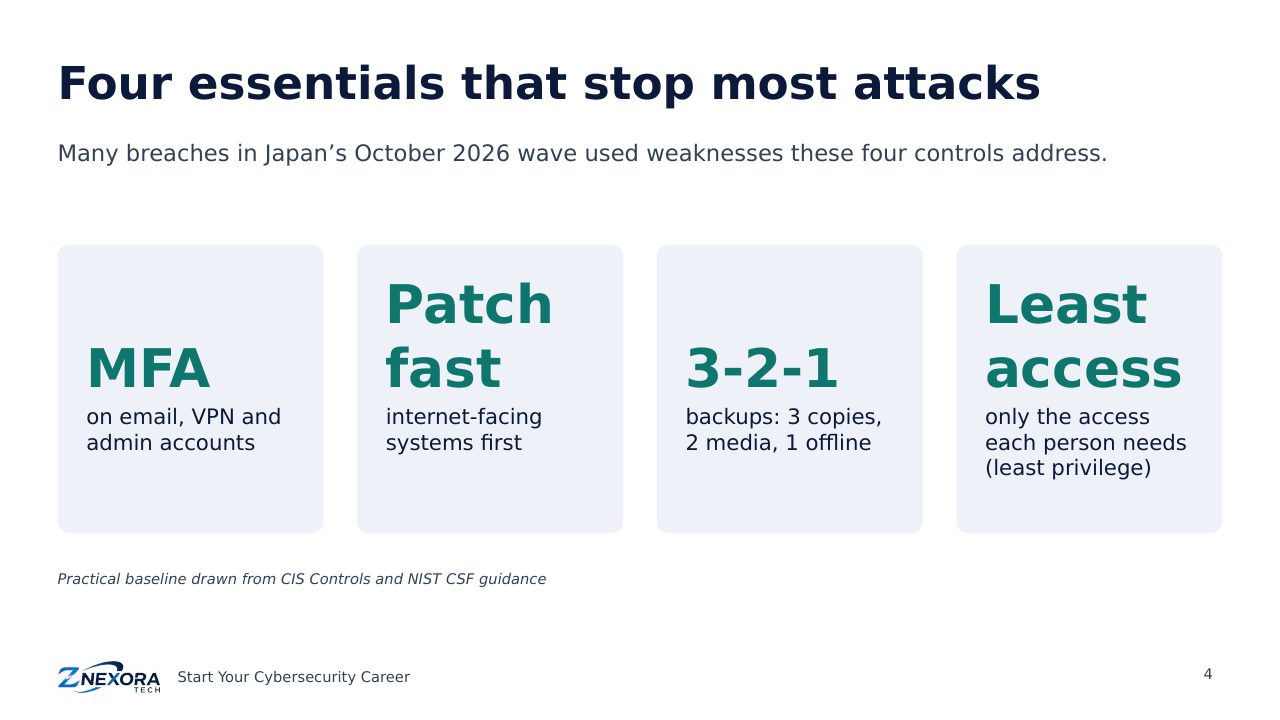
Many incidents, including those in Japan’s October 2026 wave, used weaknesses that four basic controls address:
- MFA on email, VPN and administrator accounts, so a stolen password alone is not enough.
- Fast patching, starting with internet-facing systems such as VPNs, firewalls and websites.
- 3-2-1 backups: three copies, on two types of media, with one kept offline or isolated, and regularly tested.
- Least privilege: people and systems get only the access they need.
Security tools, explained simply
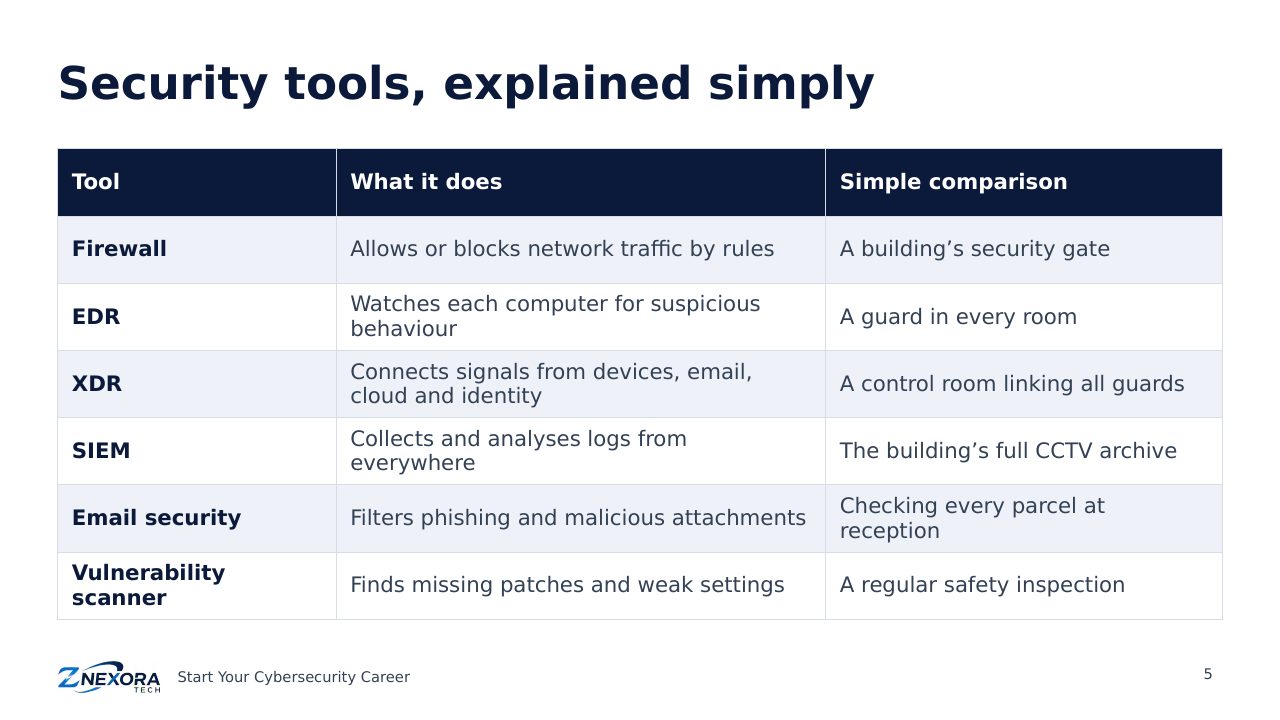
You will meet many acronyms. Here is what the most common tools do:
- Firewall: allows or blocks network traffic by rules, like a building’s security gate.
- EDR (Endpoint Detection and Response): watches each computer for suspicious behaviour, like a guard in every room.
- XDR (Extended Detection and Response): connects signals from devices, email, cloud and identity, like a control room linking all the guards.
- SIEM (Security Information and Event Management): collects and analyses logs from everywhere, like the building’s full CCTV archive.
- Email security: filters phishing and malicious attachments before they reach people.
- Vulnerability scanner: finds missing patches and weak settings, like a regular safety inspection.
How a security operations centre works
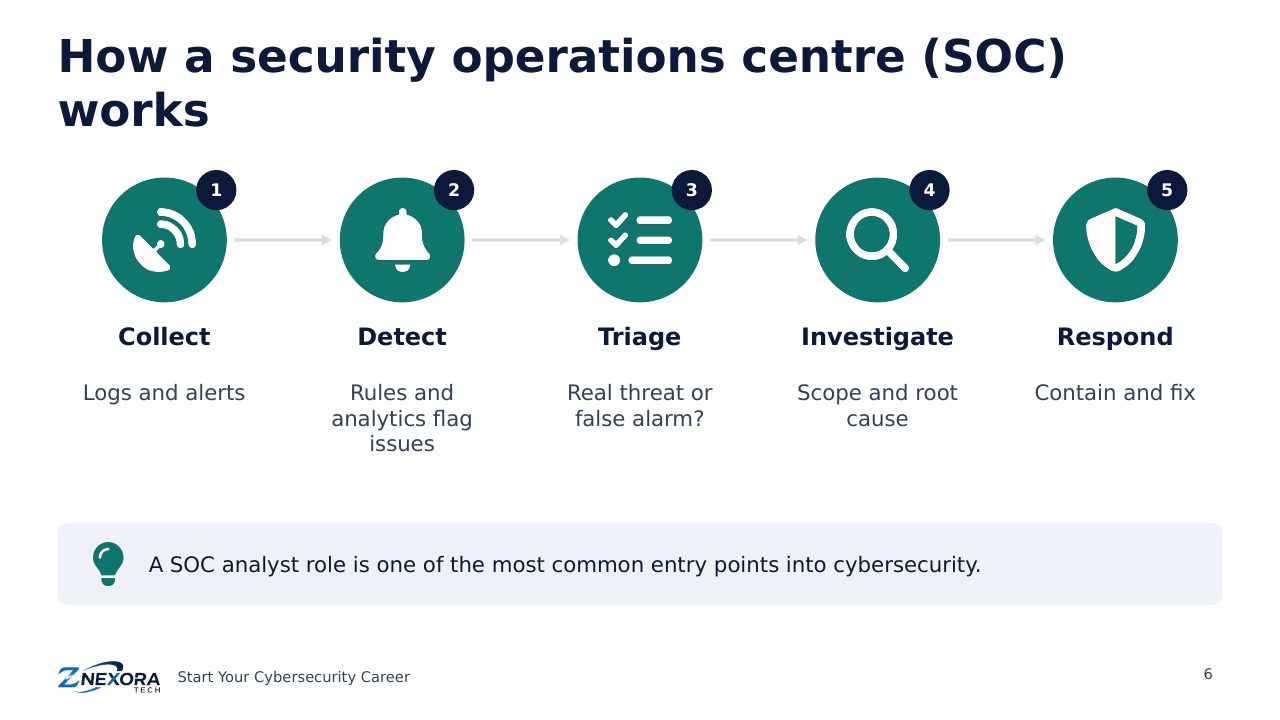
A security operations centre (SOC) is the team that watches for attacks around the clock. Its work follows a cycle: collect logs and alerts, detect suspicious activity, triage each alert (real threat or false alarm?), investigate the scope and cause, and respond to contain and fix the problem. SOC analyst is one of the most common entry roles in cybersecurity, which you will explore in Module 4.
The incident response cycle
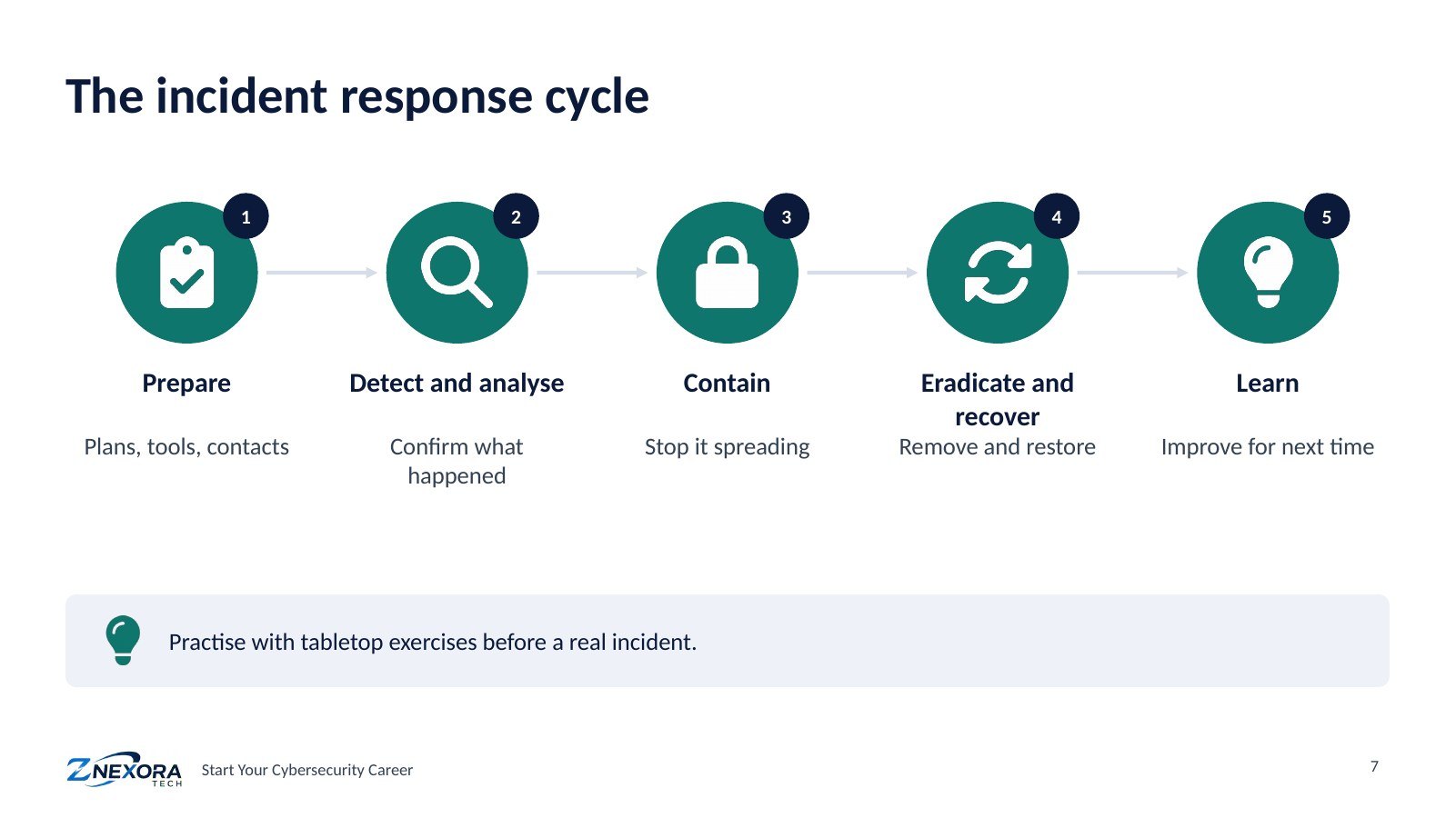
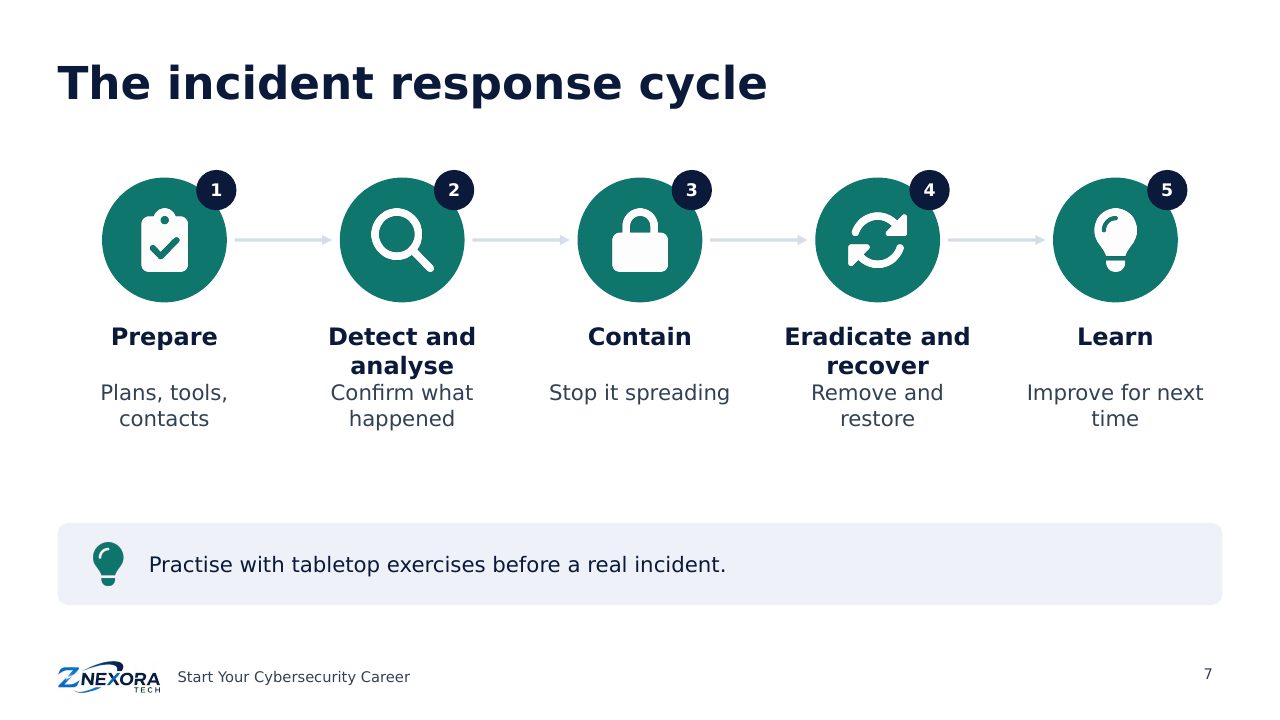
When an attack gets through, a clear process limits the damage:
- Prepare: plans, tools, contact lists and trained people, in place before anything happens.
- Detect and analyse: confirm what happened, which systems are affected and how serious it is.
- Contain: stop the attack spreading, for example by isolating infected computers.
- Eradicate and recover: remove the attacker’s access and restore systems from clean backups.
- Learn: review what happened and improve defences.
Teams practise this with tabletop exercises: a facilitator walks through a realistic scenario, such as a ransomware attack at 2 a.m., and the team discusses each decision before a real crisis tests them.
Frameworks: the shared language of defence
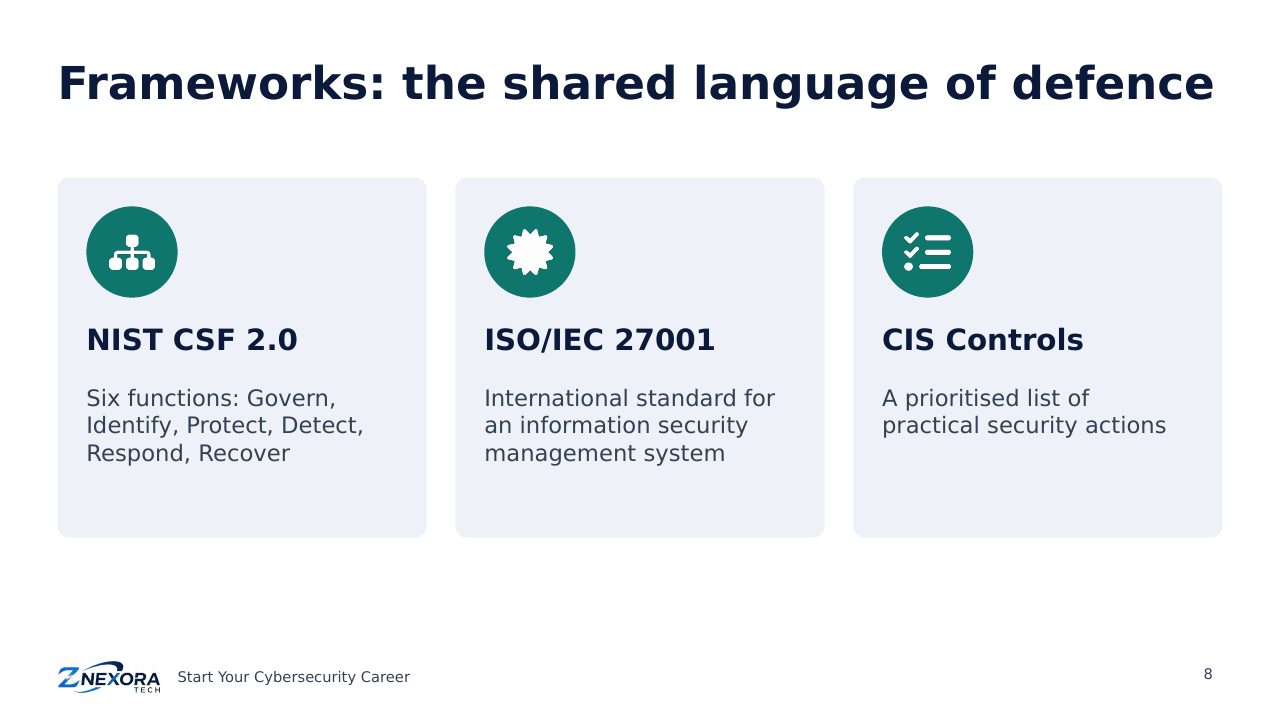
Frameworks help organisations organise security consistently. You will hear three often:
- NIST Cybersecurity Framework (CSF) 2.0: six functions: Govern, Identify, Protect, Detect, Respond and Recover.
- ISO/IEC 27001: the international standard for an information security management system, which organisations can be certified against.
- CIS Controls: a prioritised list of practical security actions, useful for deciding what to do first.
Quick check
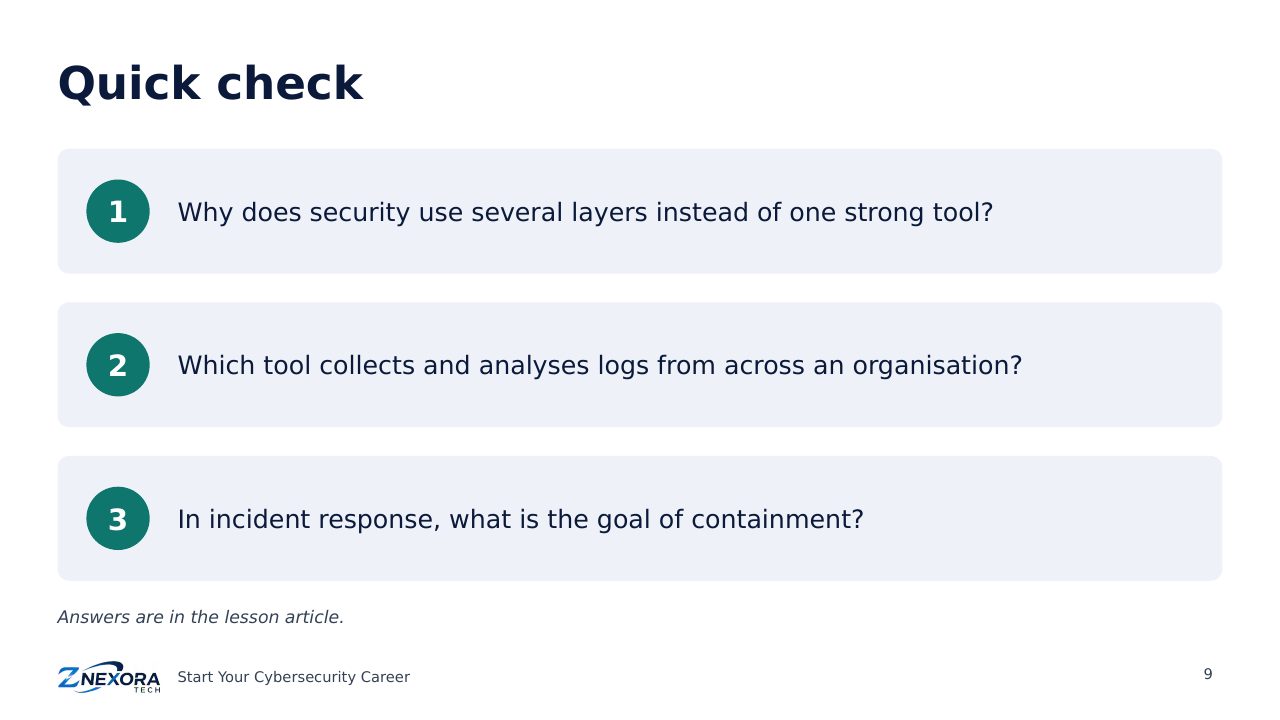
- Why does security use several layers instead of one strong tool?
- Which tool collects and analyses logs from across an organisation?
- In incident response, what is the goal of containment?
Answers: 1. Because any single control can fail; layers mean another one can still stop the attack. 2. A SIEM. 3. To stop the attack spreading further.
Key takeaways
- Defence in depth means no single failure leads to a breach.
- MFA, fast patching, isolated backups and least privilege stop most attacks.
- Incident response is a cycle: prepare, detect, contain, recover and learn.
Next: Module 4 · Careers and Roles in Cybersecurity. You will discover the main career paths and which role might suit you.
Slides
Thank you for reading!
Let’s continue to build a safer and more trustworthy digital future together.
Follow ZNexora Tech
Stay curious. Stay secure. Stay ahead.