

Module 2: How Attacks Work
Key points
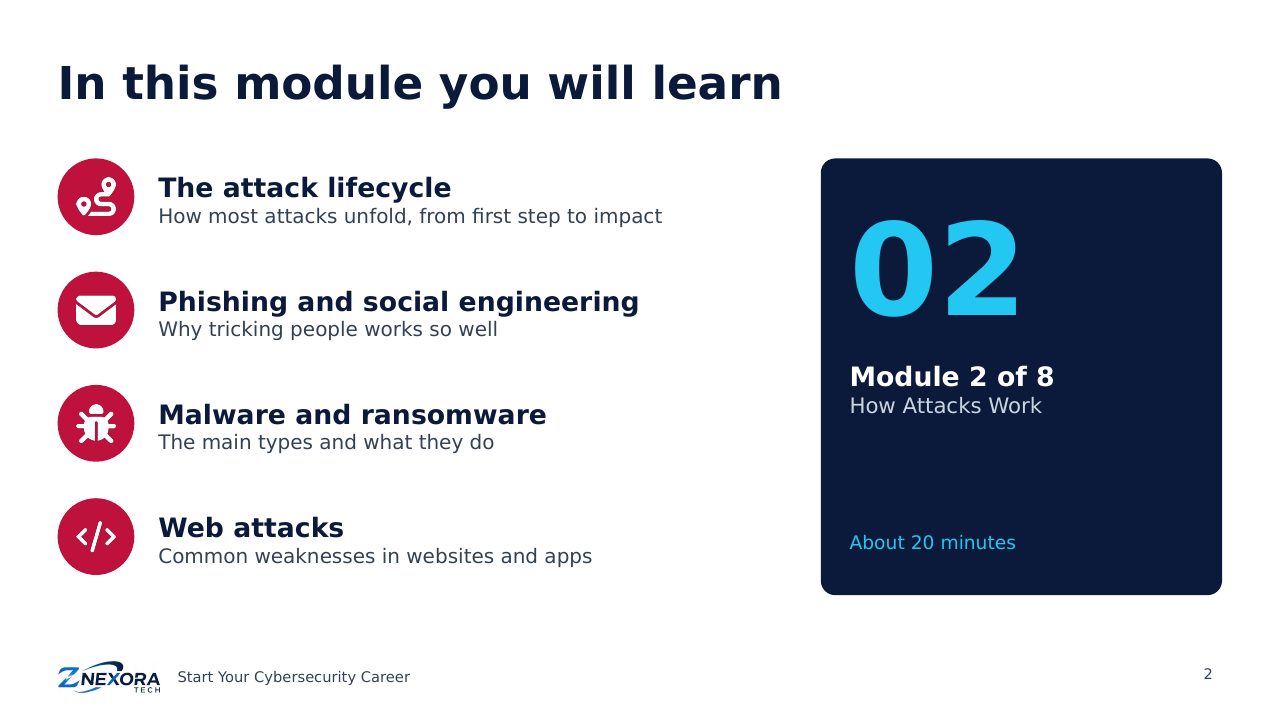
See how real attacks unfold: the attack lifecycle, phishing red flags, the main types of malware, double-extortion ransomware and common web attacks.
Free course · Start Your Cybersecurity Career · Module 2 of 8 · About 20 minutes
To defend systems, you first need to understand how attacks really work. This module walks through the stages of a typical attack, the tricks behind phishing, the main types of malware, how modern ransomware operates, and the most common weaknesses in websites.
The attack lifecycle
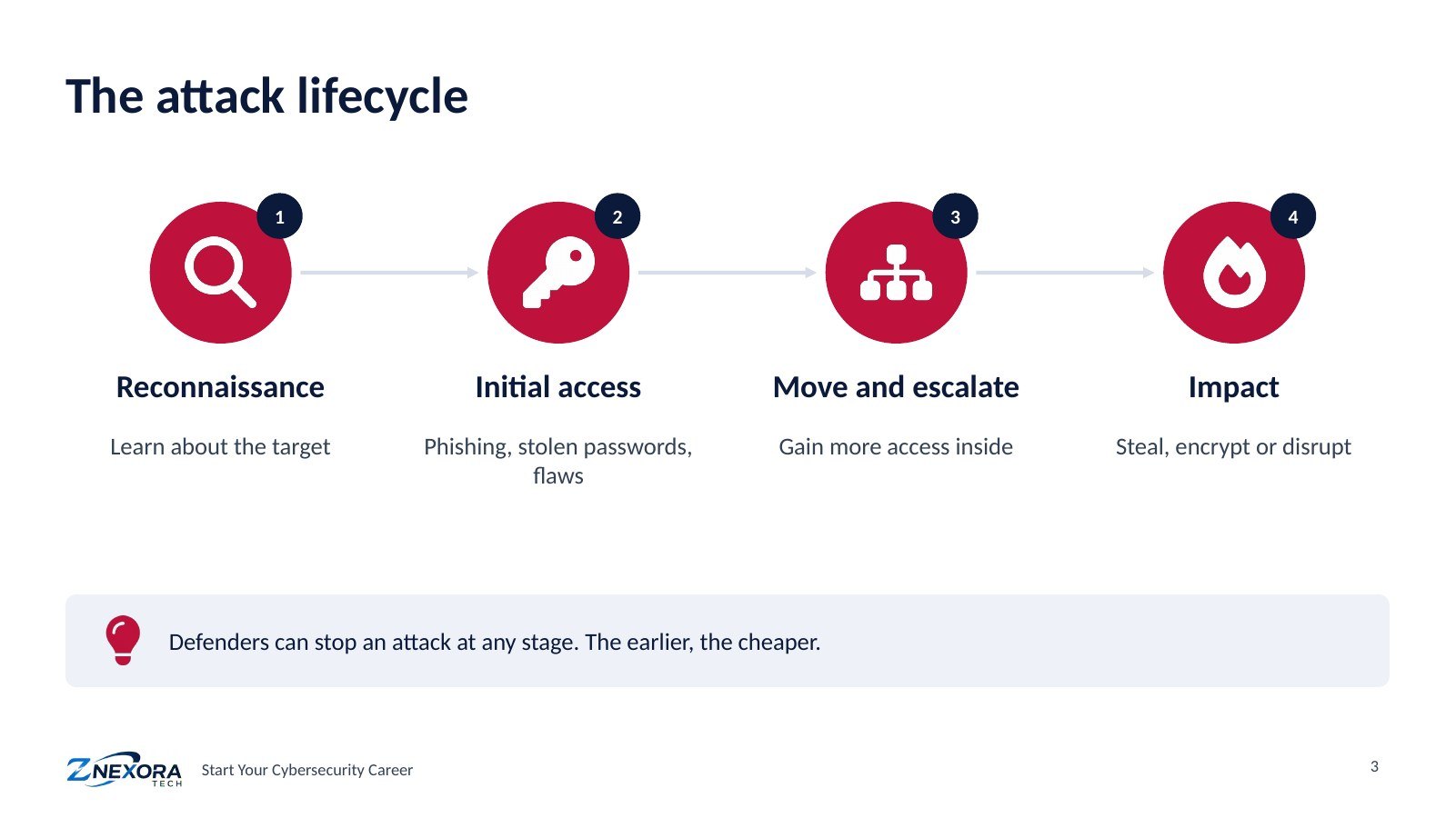
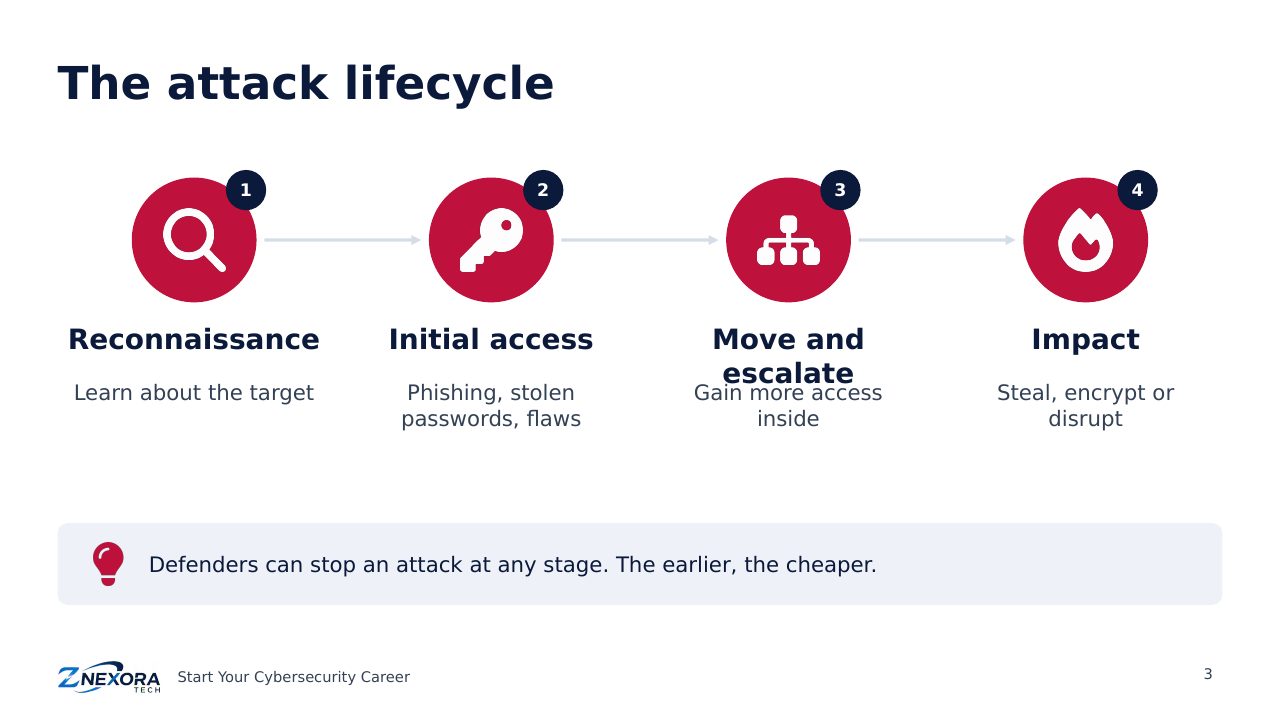
Most attacks, from simple fraud to national espionage, follow similar stages:
- Reconnaissance: the attacker learns about the target, such as staff names, email formats, exposed systems and software versions.
- Initial access: they get a first foothold, usually through phishing, stolen or guessed passwords, or an unpatched flaw in an internet-facing system such as a VPN.
- Move and escalate: once inside, they look for higher privileges and move to more valuable systems.
- Impact: they achieve their goal: stealing data, encrypting systems for ransom, or disrupting services.
The good news for defenders: an attack can be stopped at any stage. Stopping it early, at initial access, is far cheaper than recovering from the impact.
Phishing and social engineering
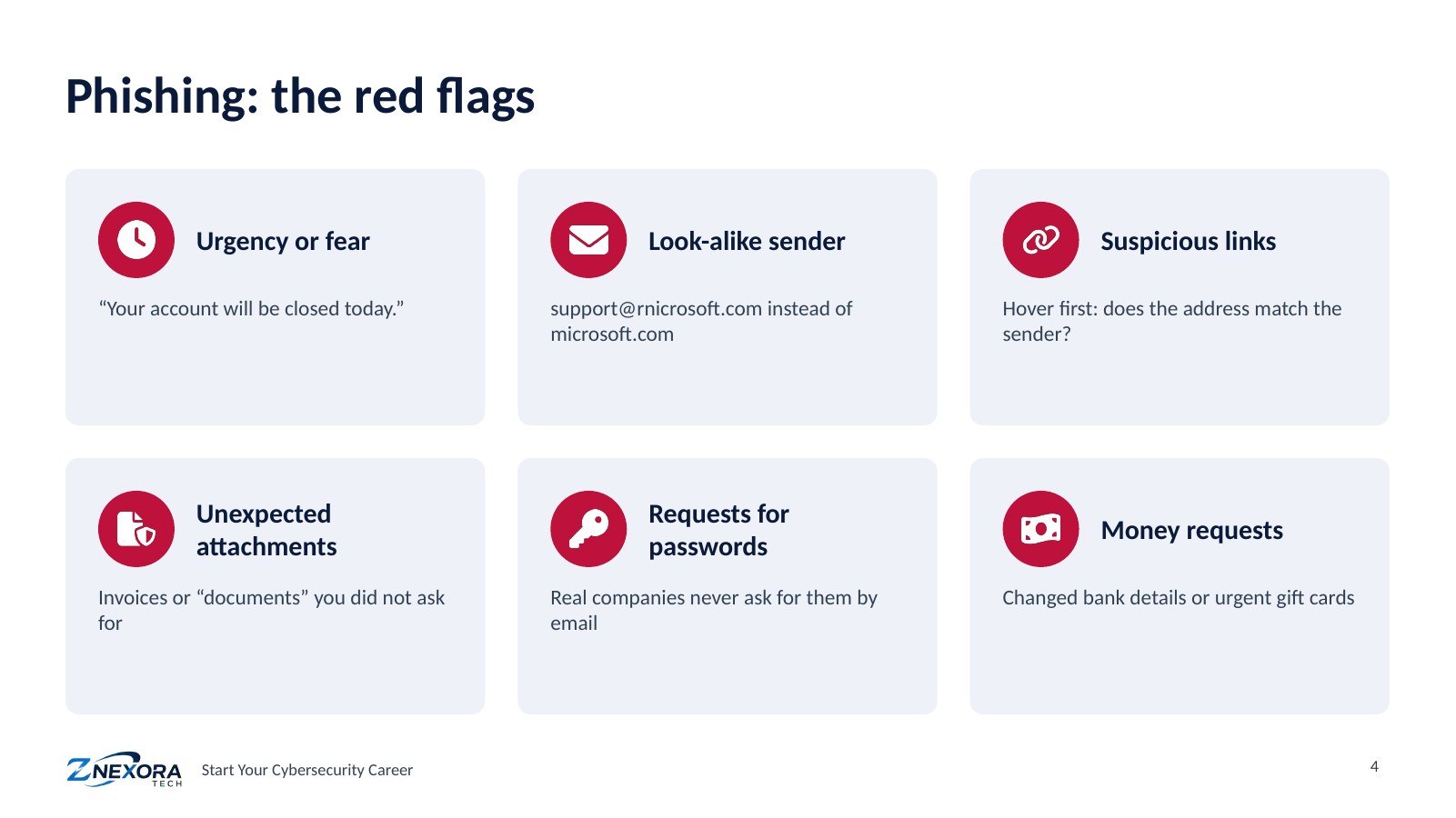
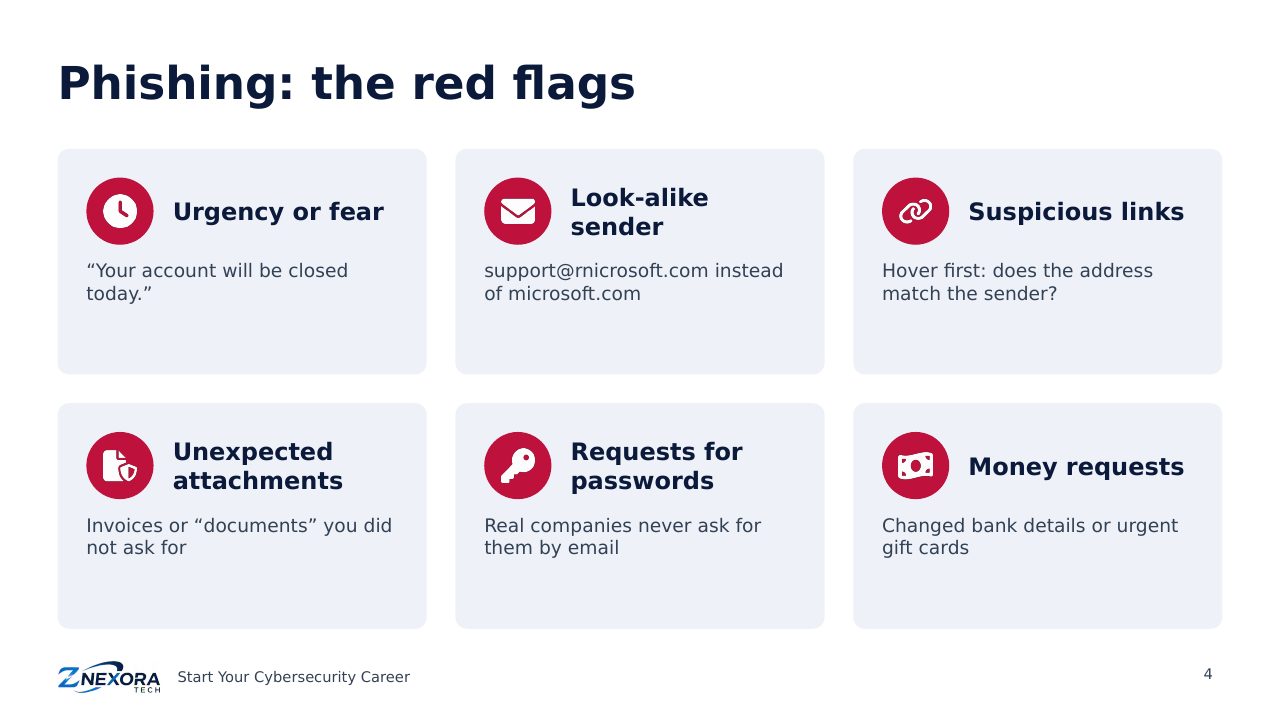
Social engineering means tricking people rather than breaking technology. Phishing emails are the most common form, and they work because they target emotions such as urgency, fear, curiosity and trust. Watch for these red flags:
- Urgency or fear: “Your account will be closed today.”
- Look-alike senders: support@rnicrosoft.com instead of microsoft.com.
- Suspicious links: hover before clicking and check the real address.
- Unexpected attachments: invoices or documents you did not ask for.
- Requests for passwords or codes: genuine companies never ask by email.
- Money requests: changed bank details or urgent gift-card purchases.
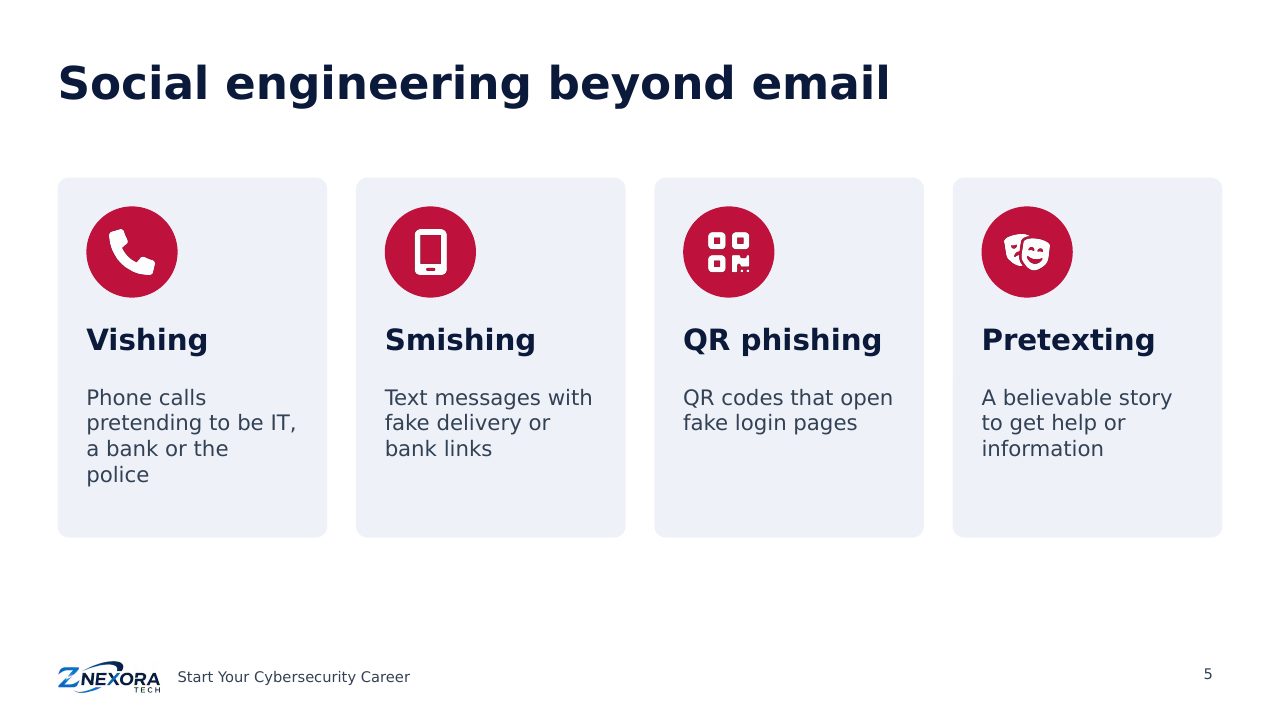
Attackers also use phone calls (vishing), text messages (smishing), QR codes that open fake login pages, and pretexting, where they invent a believable story to get help or information.
Malware
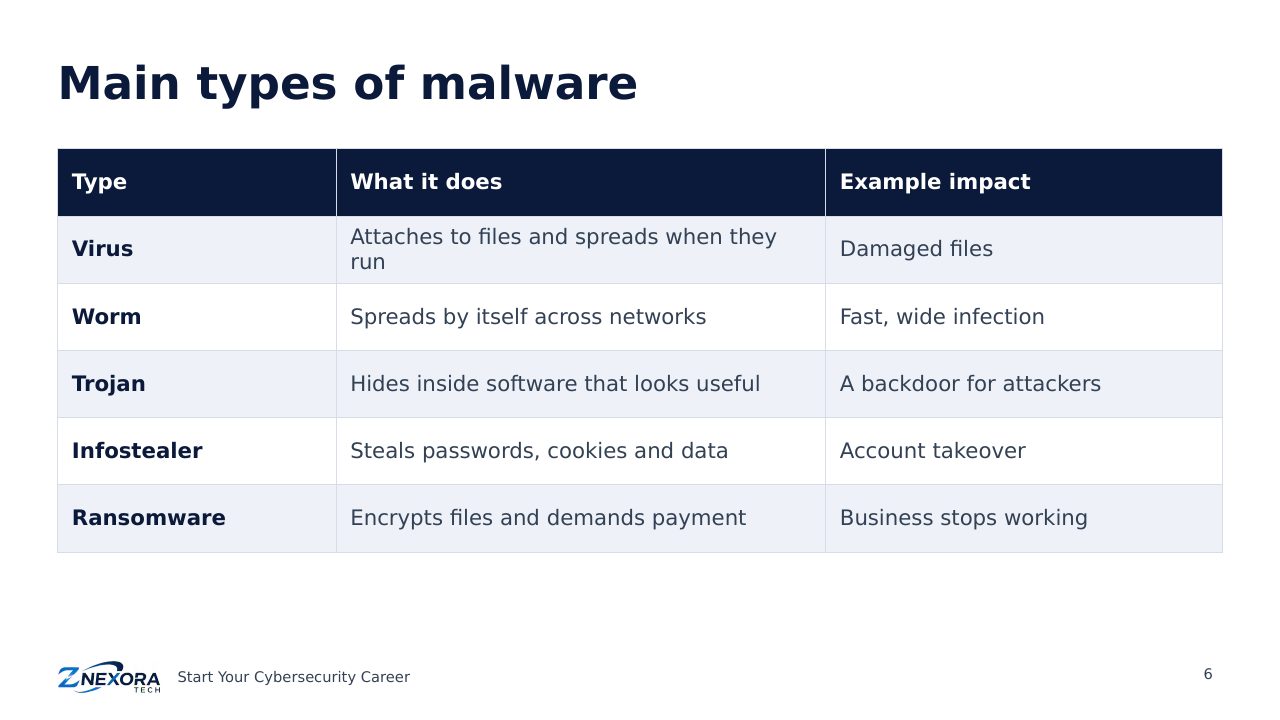
Malware is any software designed to cause harm. The main types are:
- Virus: attaches to files and spreads when they run.
- Worm: spreads by itself across networks, very quickly.
- Trojan: hides inside software that looks useful and opens a backdoor.
- Infostealer: steals saved passwords, browser cookies and data, often leading to account takeover.
- Ransomware: encrypts files and demands payment to unlock them.
How modern ransomware works
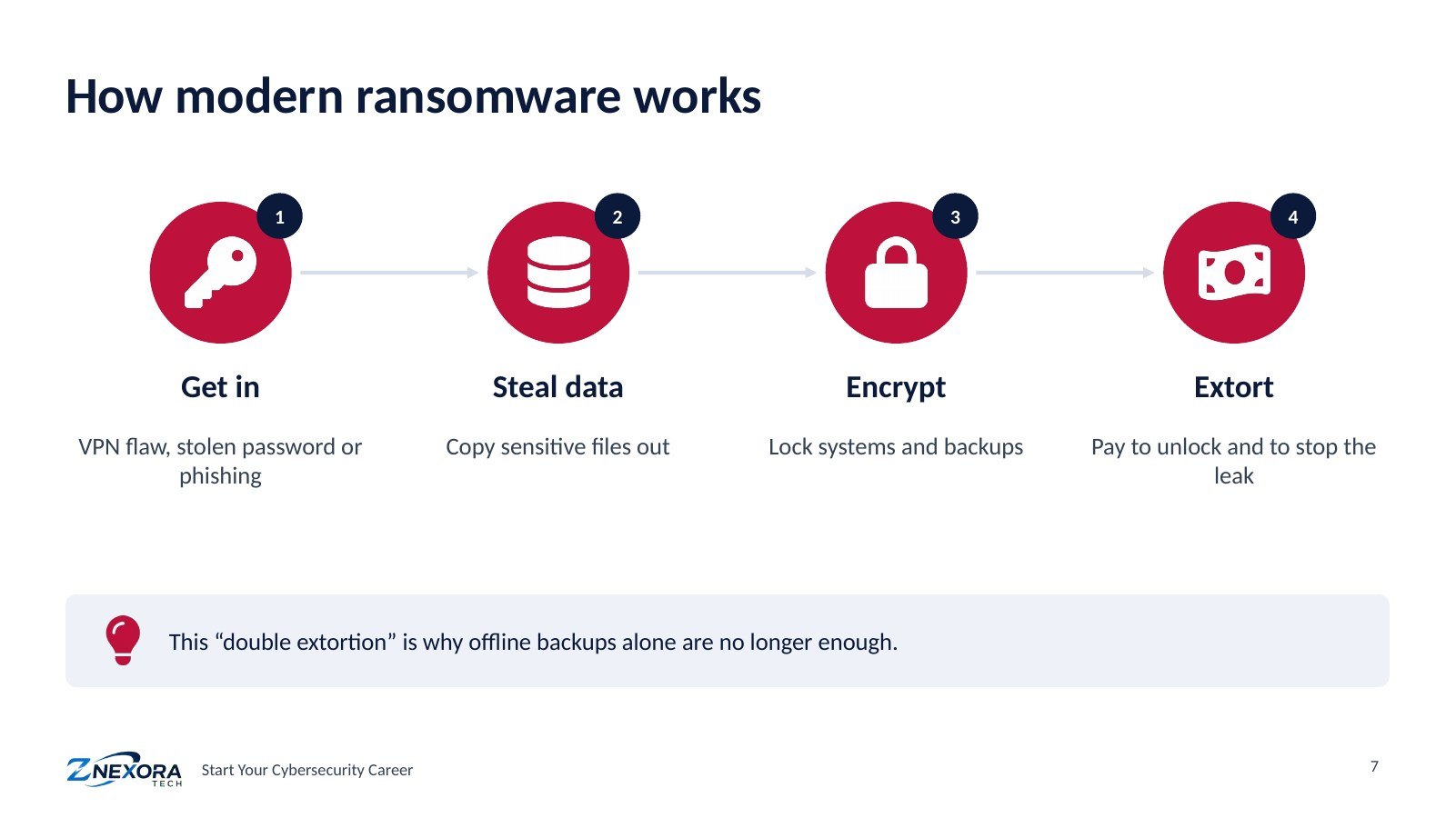
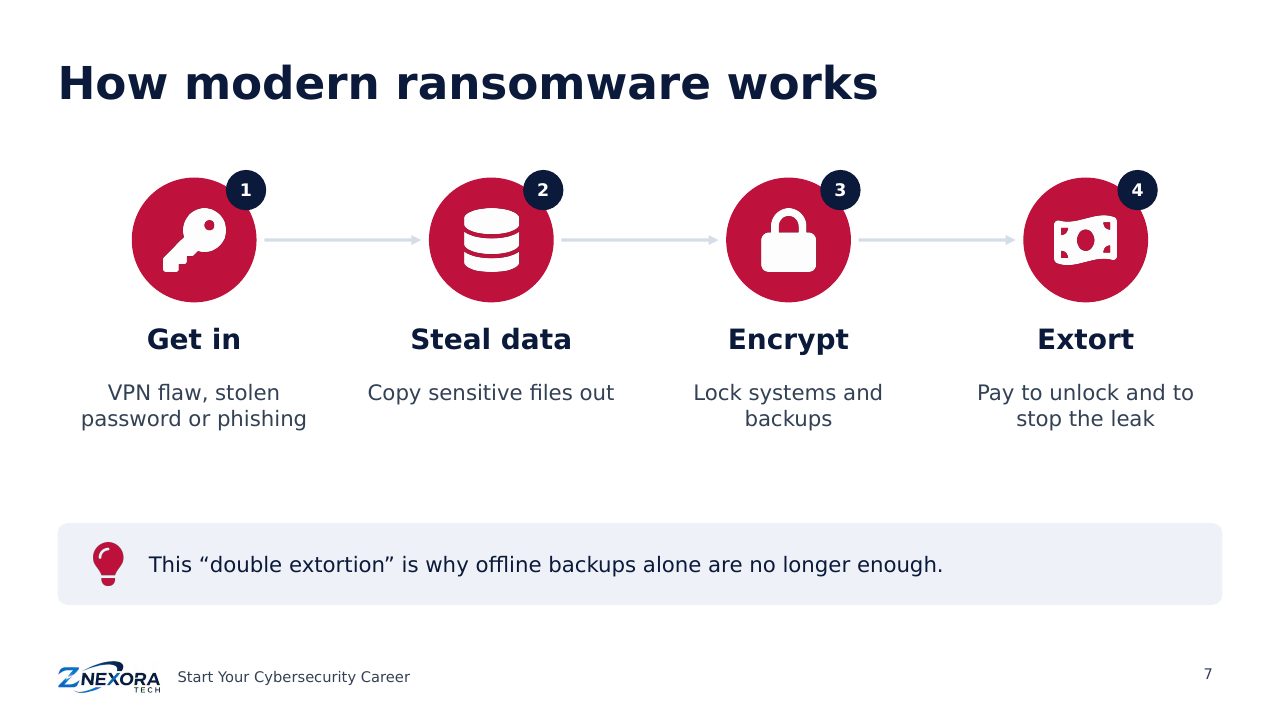
Ransomware has evolved into a business. A typical attack today has four steps: the criminals get in (often through a VPN flaw, a stolen password or phishing), steal sensitive data, encrypt systems and backups, and then demand payment twice: once to unlock the systems and once to stop the stolen data being published.
This “double extortion” is why backups alone are no longer enough. Even an organisation that restores everything still faces the leak of its data. Japan’s October 2026 incidents showed both sides: encrypted cloud systems and published customer data.
Common web attacks
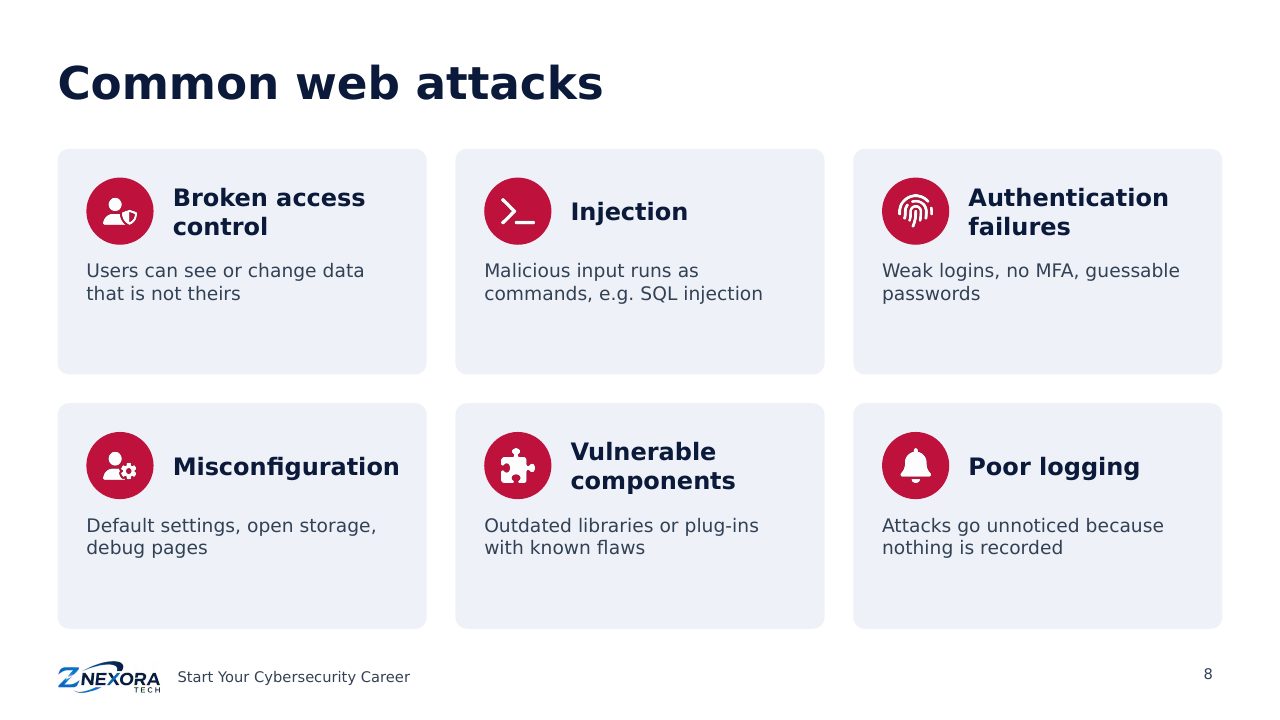
Websites and web applications are exposed to the whole internet, so their weaknesses are found quickly. The OWASP Top 10, a widely used list of web application risks, includes problems such as:
- Broken access control: users can see or change data that is not theirs.
- Injection: malicious input is treated as a command, as in SQL injection.
- Authentication failures: weak logins, missing MFA, guessable passwords.
- Security misconfiguration: default settings, open storage, debug pages left online.
- Vulnerable components: outdated libraries or plug-ins with known flaws.
- Poor logging and alerting: attacks go unnoticed because nothing is recorded or reviewed.
Quick check
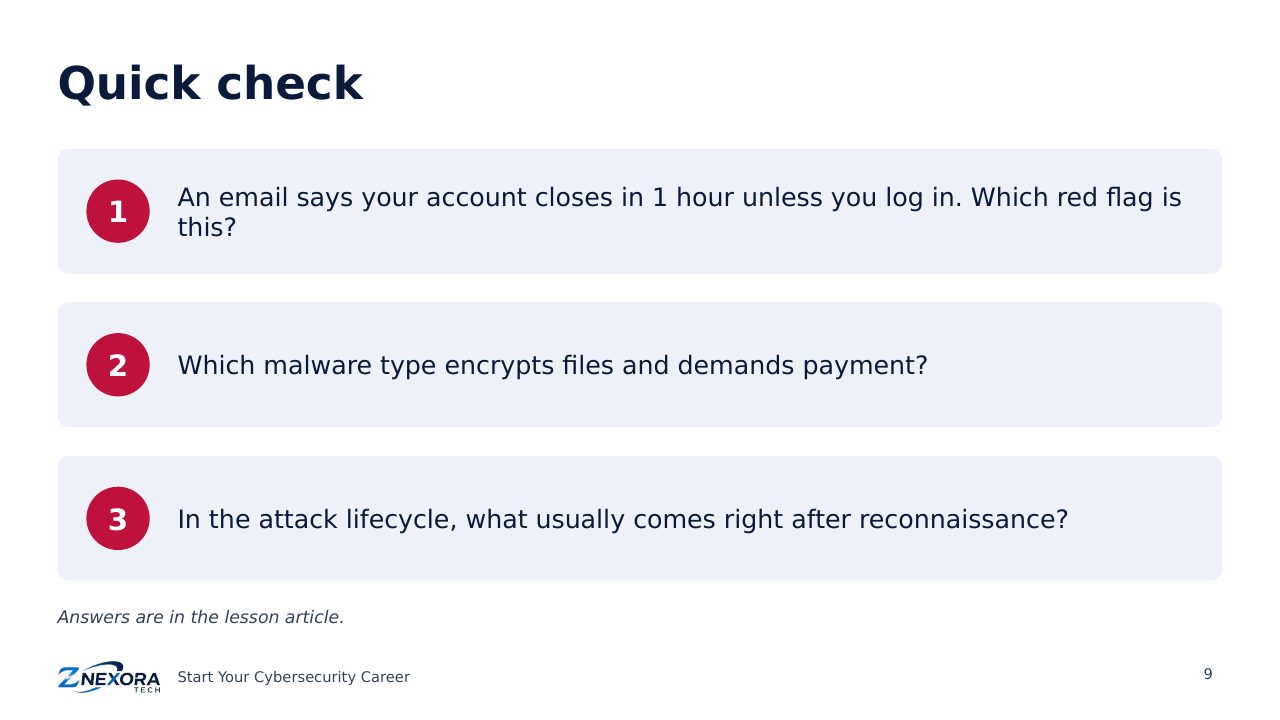
- An email says your account closes in one hour unless you log in. Which red flag is this?
- Which malware type encrypts files and demands payment?
- In the attack lifecycle, what usually comes right after reconnaissance?
Answers: 1. Urgency or fear. 2. Ransomware. 3. Initial access.
Key takeaways
- Most attacks follow the same stages, and each stage is a chance to stop them.
- Phishing exploits emotions: urgency, fear and trust.
- Modern ransomware steals data before encrypting it.
Next: Module 3 · How Defenders Protect. You will see how security teams use layers of defence, essential controls and incident response to stop these attacks.
Slides
Thank you for reading!
Let’s continue to build a safer and more trustworthy digital future together.
Follow ZNexora Tech
Stay curious. Stay secure. Stay ahead.